Knowledge base
1000 FAQs, 500 tutorials and instructional videos. Here, there are only solutions!
Request access to an Infomaniak email address
This guide explains the steps you need to take to access an email address created on Infomaniak by a third party, whether you are an employee, collaborator, family member, or in any other situation.
Request to be a user of the email address
Prerequisites
- If you already have an Infomaniak account, check that the email address is actually inaccessible to your user at the moment.
- Note your login ID: click on the bubble with your initials / avatar in the top right corner of the Infomaniak Manager:
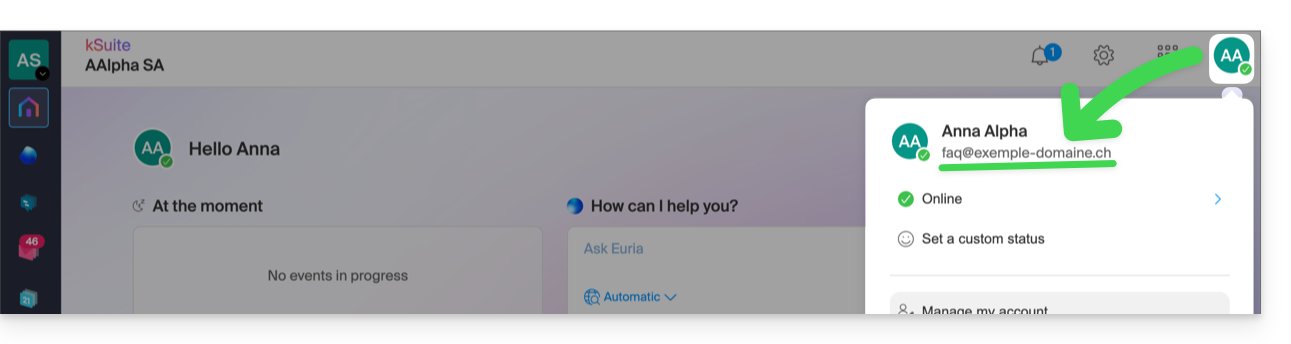
Then, contact the manager of the email address in question (demo@primary-domain.ch in this example):
- Instruct them to follow the instructions provided in this other guide faq.infomaniak.com/1478 * in order to add your login ID as a user of the “
demo” address on the “primary-domain.ch” Mail service. - Provide them with your login ID, for example,
faq@exemple-domaine.ch.
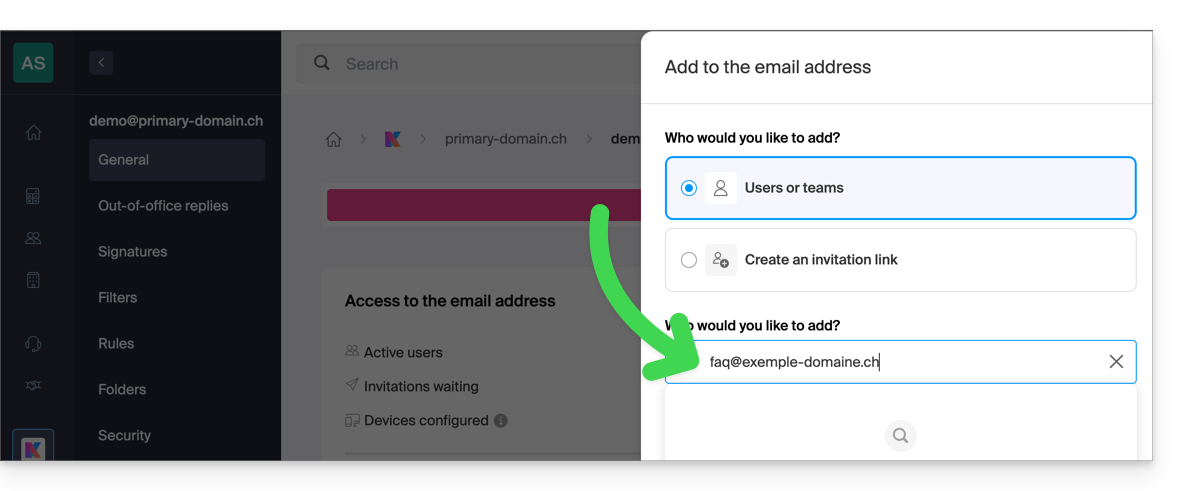
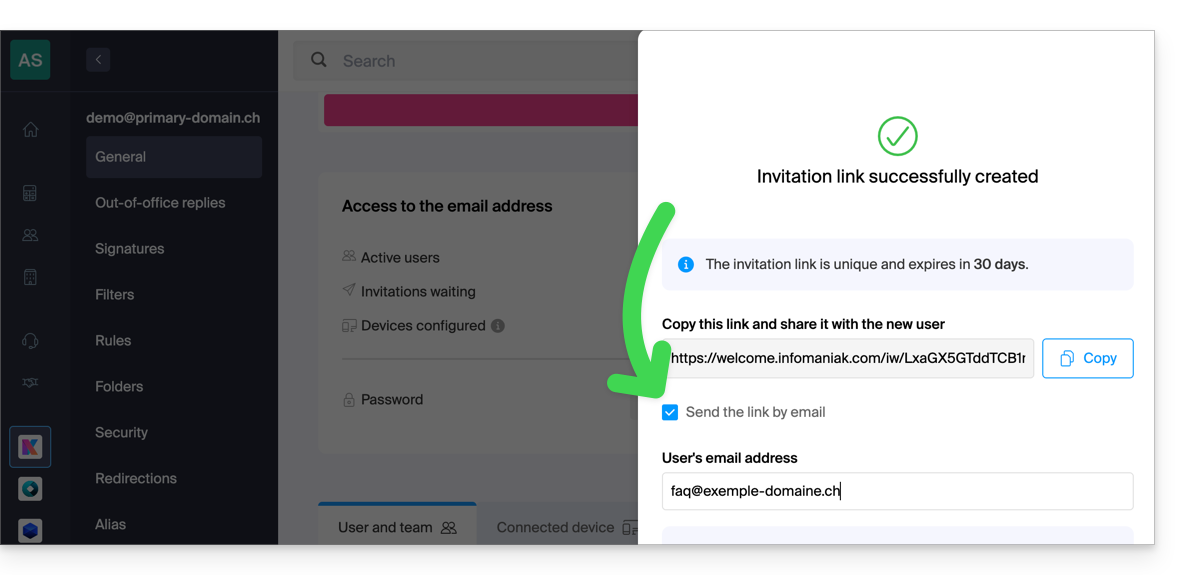
Following the guide, he can add your login ID at step 6 as a user of the email address:
- either directly, because you are already part of the same Organization as him:
- either via an invitation link system, which they can send to you via message, email for example:
Once the operation is complete, you will see the content of the mailbox in question appear on your interface at ksuite.infomaniak.com/all/mail: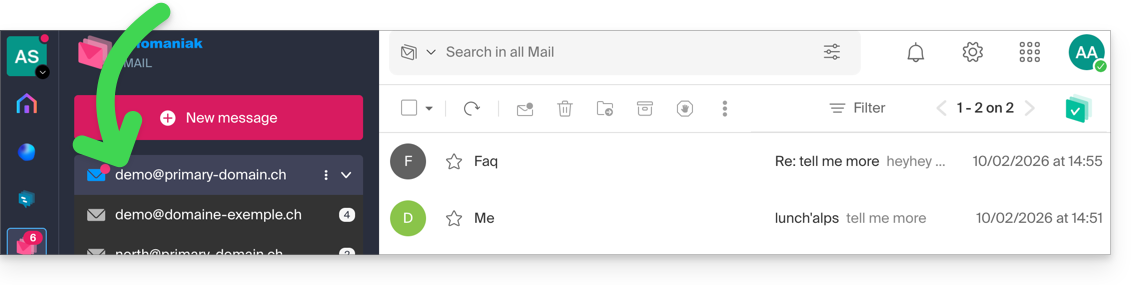
* You can also ask them to consult this other guide to perform the operation directly from the Infomaniak Web Mail app.
Link to this FAQ: https://faq.infomaniak.com/122
Has this FAQ been helpful?