Knowledge base
1000 FAQs, 500 tutorials and instructional videos. Here, there are only solutions!
Quickly access the server (Web FTP)
Update 10/05/2026
This guide explains how to use the Web FTP file manager, which allows you to easily and quickly manage the content of your Web Hosting.
Introduction
- The Web FTP / FTP Manager online service does not require any special access, provided you have management rights for a hosting account in the Infomaniak Manager and are logged in.
- Therefore, you do not need to have an FTP account and its password; the password for your Infomaniak account is sufficient.
- This allows you to:
- create files,
- navigate through directories,
- manage existing files (copy, rename, move, delete, unzip, etc.),
- edit and view text, PHP, and HTML files smaller than 1 MB,
- transfer files smaller than 50 MB between your computer and the server:
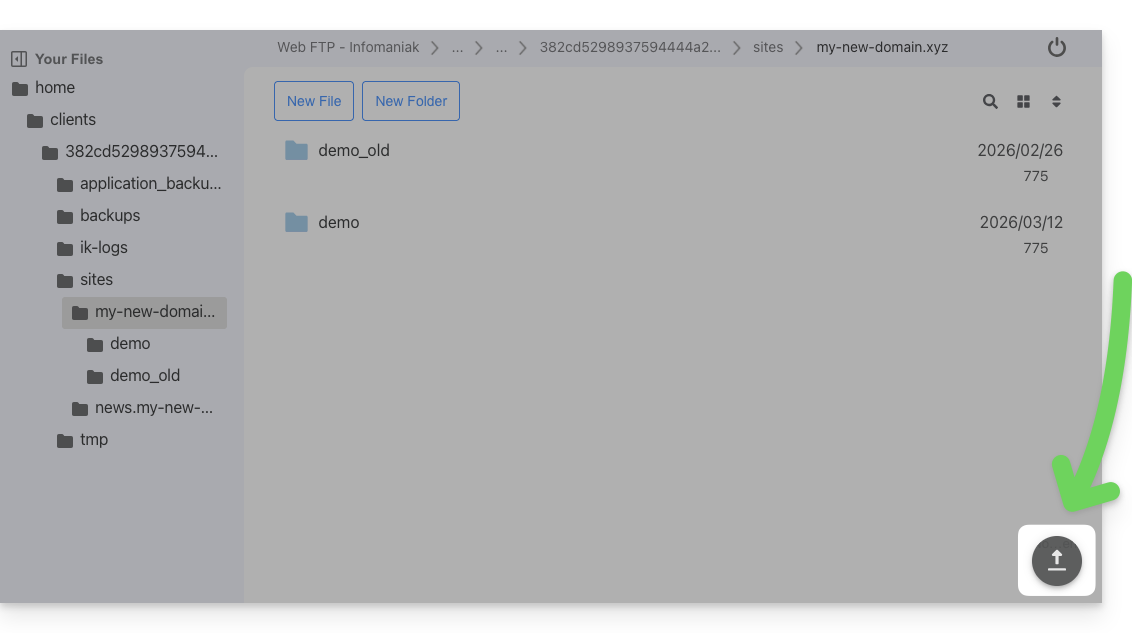
- including by dragging and dropping directly from your computer to the Web FTP window:
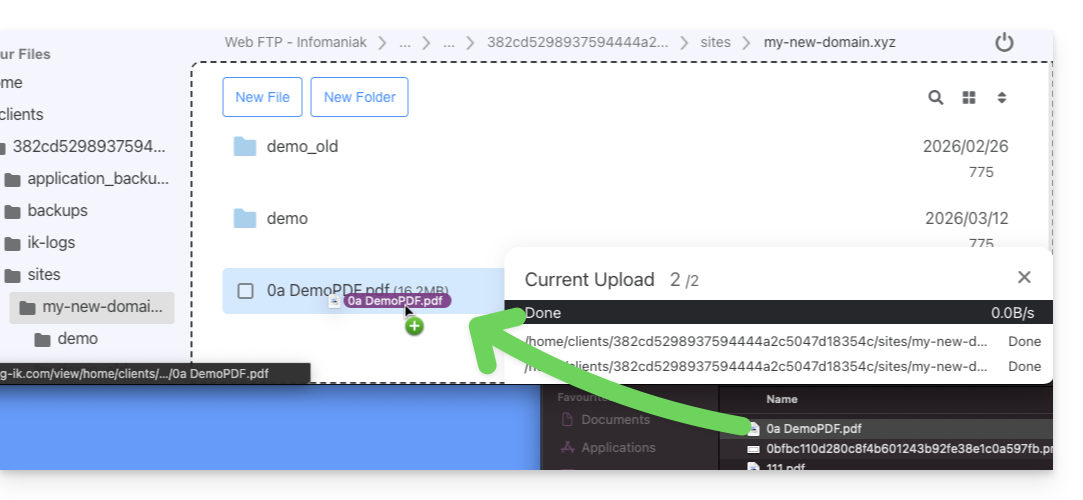
- to exceed this limit and for background work capabilities, resuming transfers after interruptions, and limiting transfer speeds, etc., use an FTP software/client (❓: help).
- including by dragging and dropping directly from your computer to the Web FTP window:
Access the server via Web FTP
To quickly access the website's server via FTP or SSH:
- Click here to access the hosting & website management section in your Infomaniak Manager (❓: help).
- Click on the name of the relevant hosting.
- Click on FTP / SSH in the left-hand menu.
- Click on the
Web FTPorSSH consolebuttons available to you: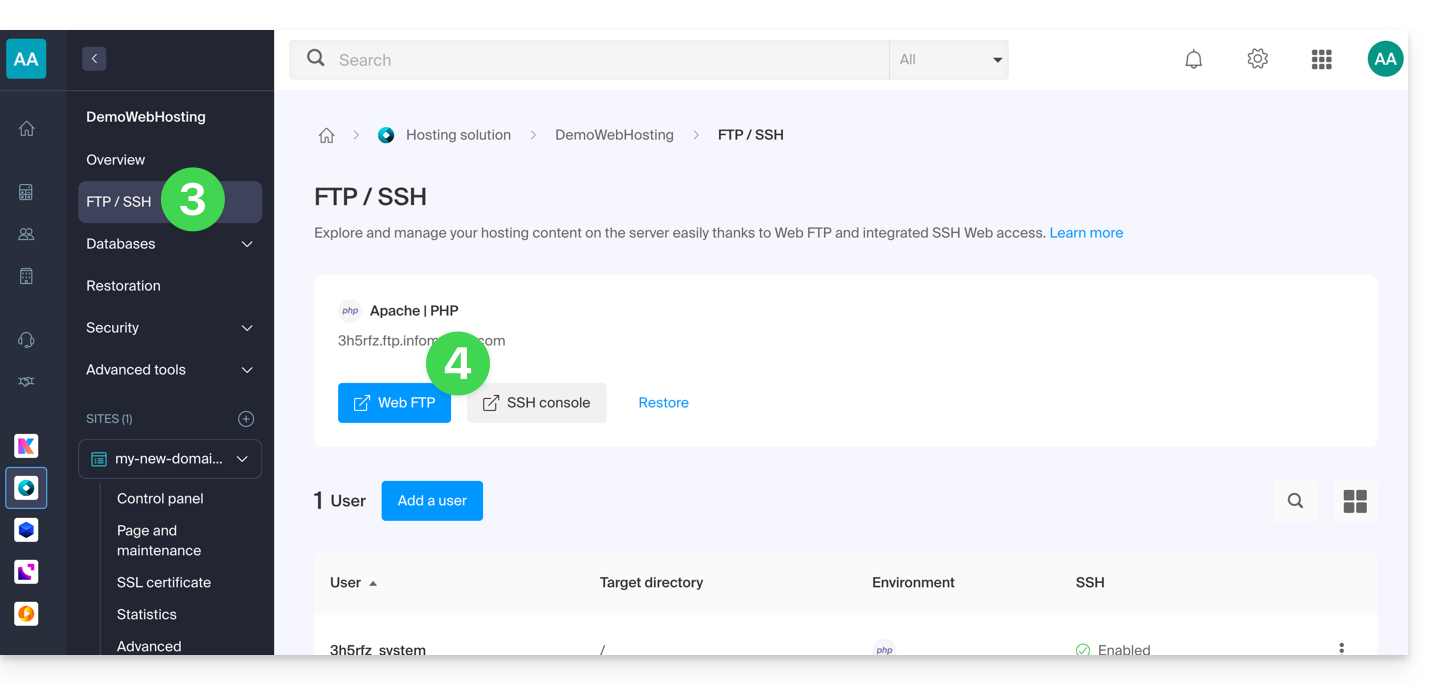
Link to this FAQ: https://faq.infomaniak.com/1130
Has this FAQ been helpful?