Knowledge base
1000 FAQs, 500 tutorials and instructional videos. Here, there are only solutions!
Copy emails to Infomaniak
Update 05/21/2026
This guide explains how to copy the content of one or more external email addresses (all email messages, folders, subfolders, in short, the entire structure of your existing mailbox with other providers) to one or more of your existing addresses at Infomaniak, using the Infomaniak import tool!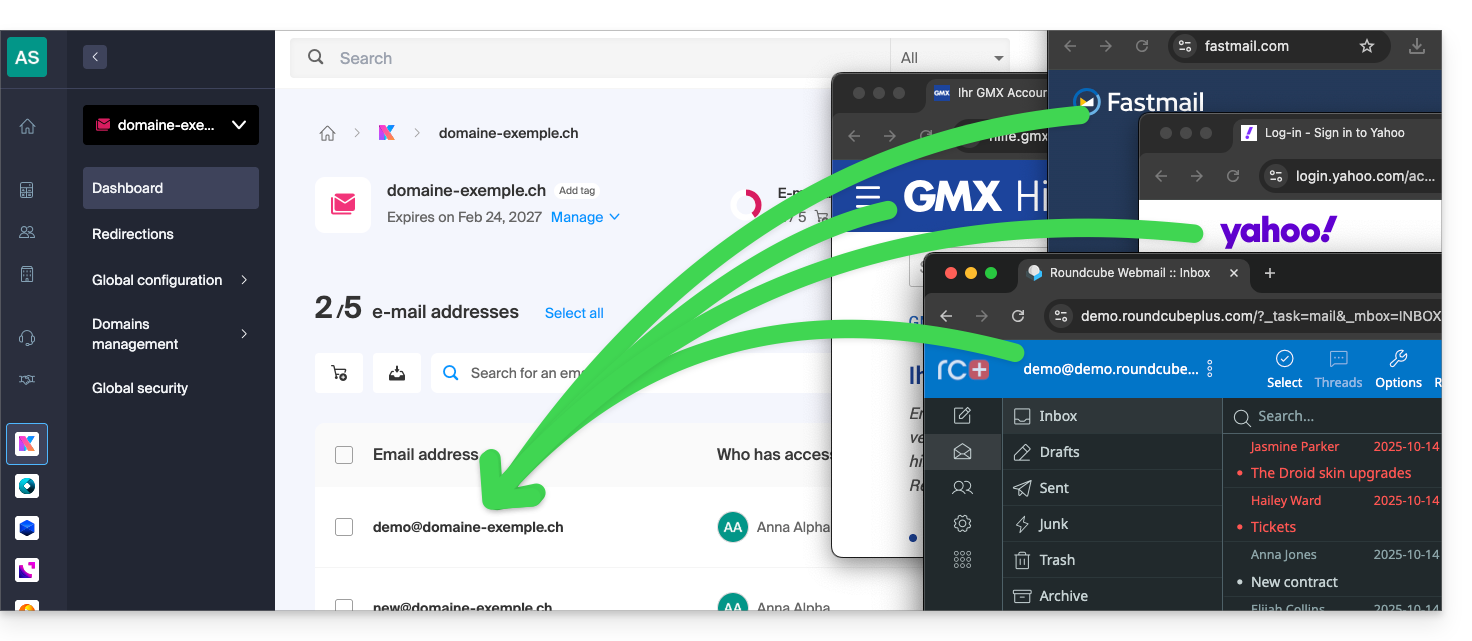
Introduction
- It is easy to transfer the entire structure of your emails to Infomaniak - discover the offers.
- This operation does not affect the data already present in the destination address or the source address.
- The entirety of the external mailbox will be imported as a copy.
- Once the import process has started, it is no longer possible to interrupt it.
- Any duplicates are managed: identical content will only be copied once.
Start copying to an Infomaniak email address
Several options are available for importing emails:
- Do you want to copy emails already present at Infomaniak (e.g., @ik.me) to another mailbox also at Infomaniak?
- Refer to this other guide to copy email content internally.
- You have a file/archive in MBOX format and want to import it directly into an existing address on Infomaniak?
- Refer to this other guide to import the content of the
.mboxfile and thus import your emails, regardless of their origin, to Infomaniak. - This is ideal for easily transferring content from Google, as an MBOX file can be easily obtained via Google Takeout.
- Refer to this other guide to import the content of the
- If you were unable to obtain an MBOX file of your emails, you can copy emails from an external provider using the IMAP import tool; click on the link corresponding to the email provider to be imported:
- addresses @ Bluewin
- addresses @ Gmail or custom domain Google
- addresses @ GMX
- addresses @ custom domain Microsoft 365
- addresses @ Orange
- addresses @ custom domain Swisscom
- addresses @ Yahoo
- Any other mail provider such as Gandi, Hotmail, Hostinger, Sunrise, etc.
Link to this FAQ: https://faq.infomaniak.com/837
Has this FAQ been helpful?