Knowledge base
1000 FAQs, 500 tutorials and instructional videos. Here, there are only solutions!
Manage the set_time_limit function
This guide explains how to enable or disable the PHP function set_time_limit for a Web Hosting.
Preamble
set_time_limitis a PHP function that sets the time limit for a script, in seconds; if this limit is reached, the script stops and returns a fatal error.set_time_limitcannot be used to set values beyond the script execution time limit (max_execution_time) defined in the Manager.
Enable or disable the PHP set_time_limit function
To access the website management:
- Click here to access the management of your site on the Infomaniak Manager (need help?).
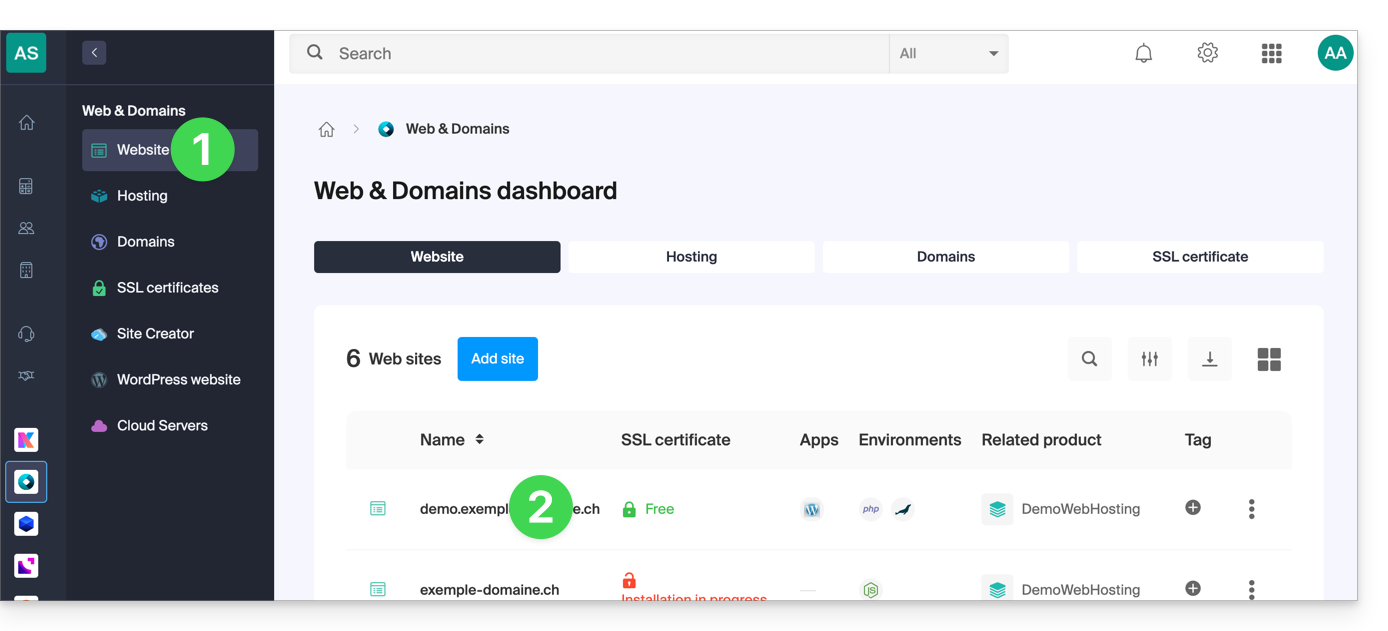
- Click directly on the name assigned to the site concerned:
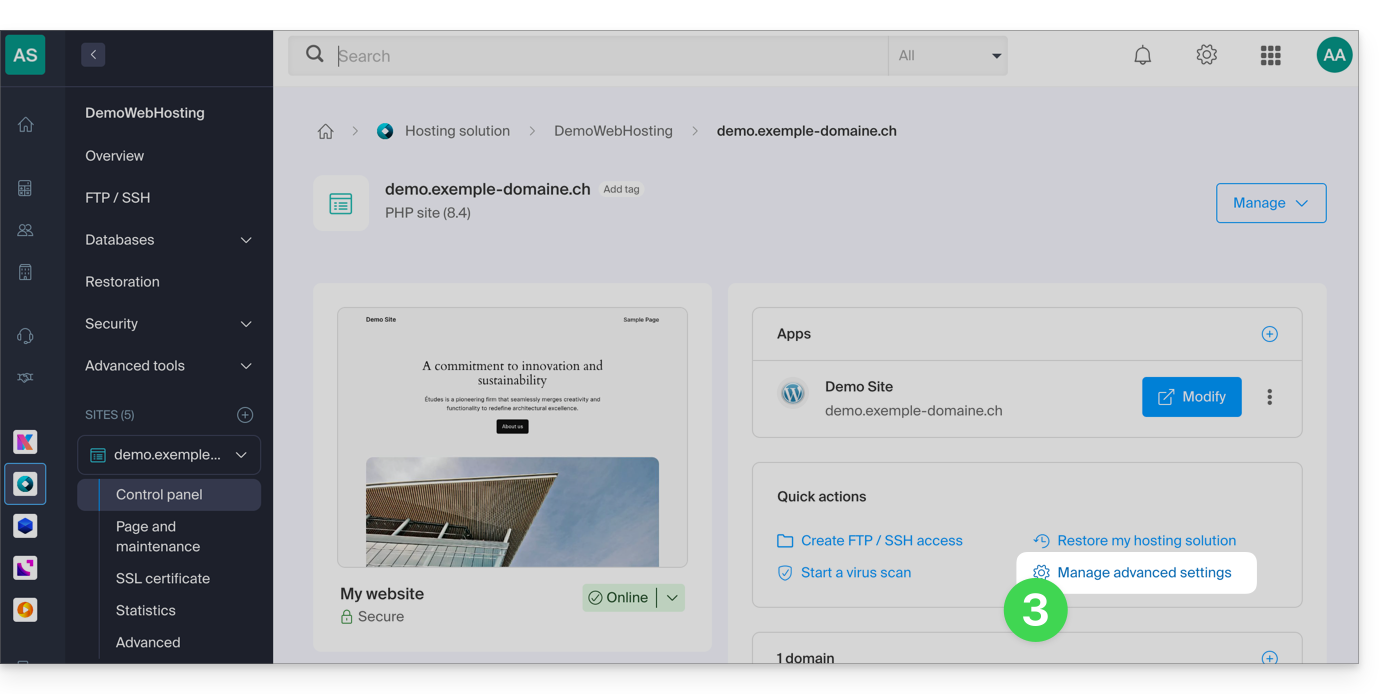
- Click on Manage advanced settings:
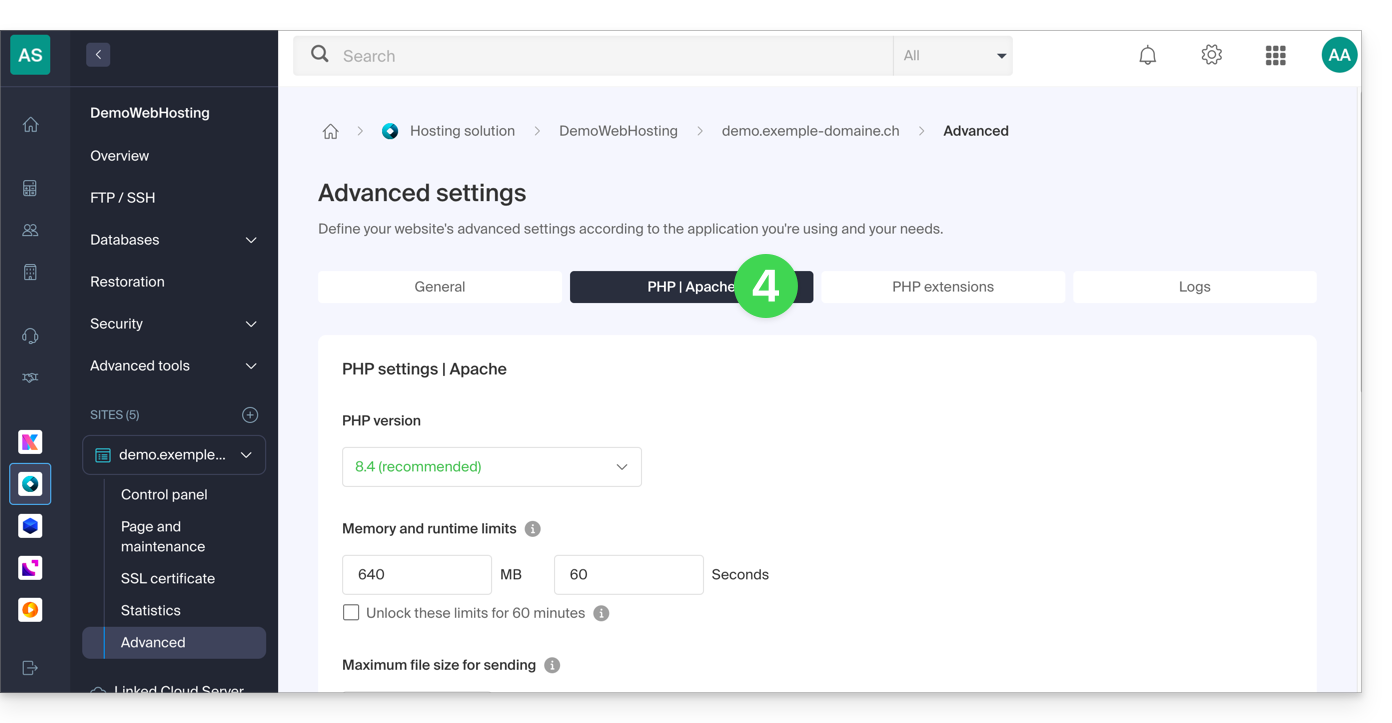
- Click on the tab PHP / Apache:
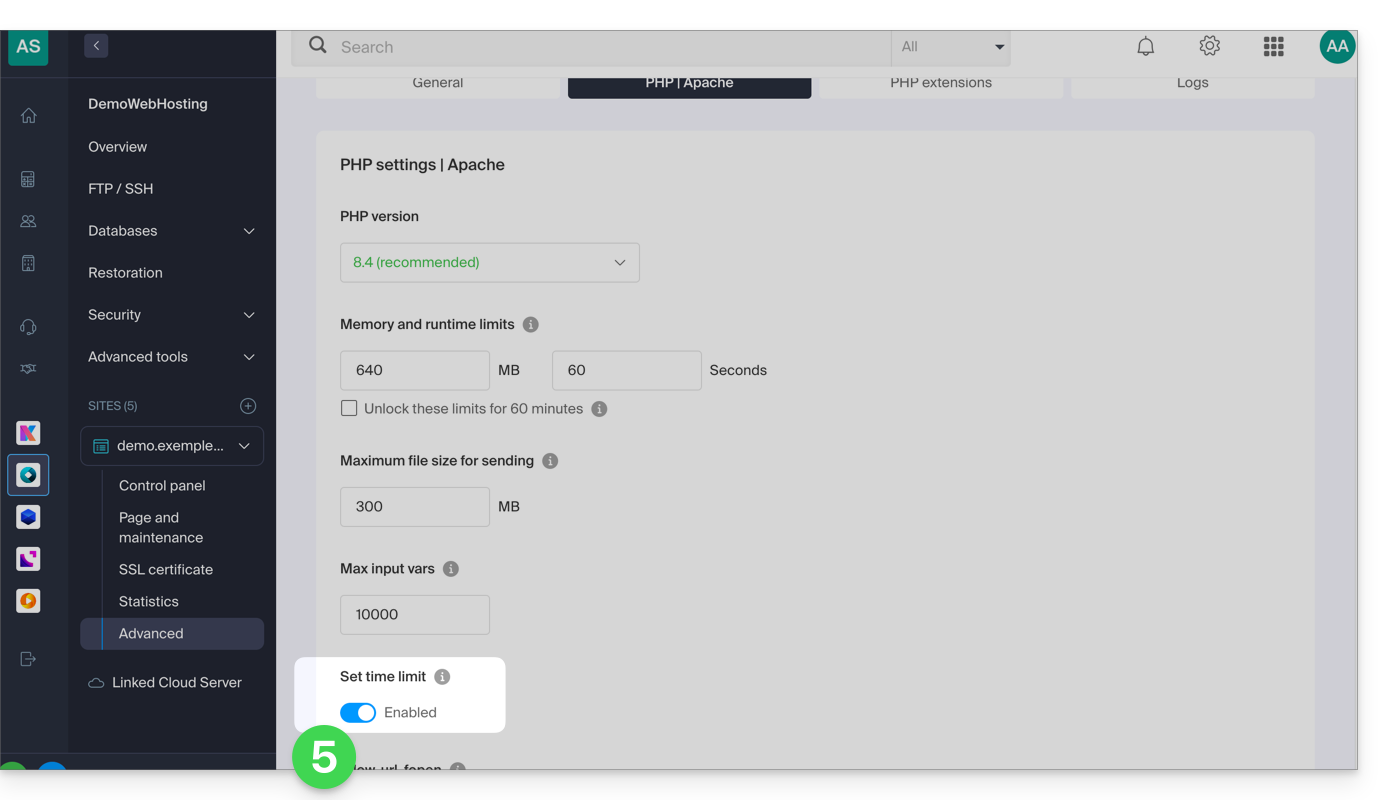
- Click on the toggle switch button On/Off as desired:
- Click on the Save button at the bottom of the page to validate the changes.
Link to this FAQ: https://faq.infomaniak.com/383
Has this FAQ been helpful?