Knowledge base
1000 FAQs, 500 tutorials and instructional videos. Here, there are only solutions!
Ticketing: install the 4G kiosk
This guide explains how to set up and use the 4G terminal to connect your sales pack or scanners linked to the Infomaniak ticketing system.
Preamble
- The 4G terminal functions as an access point for your on-site sales machines and scanners.
- It connects to a mobile phone network and creates a network to which tablets, printers, and scanners will connect.
- There is no need to use the RJ45 Ethernet connection to use the 4G terminal.
Setting up the 4G terminal
Prerequisites
- Have sufficient mobile network coverage for the 4G terminal to function.
Watch the video guide:
Operating the terminal
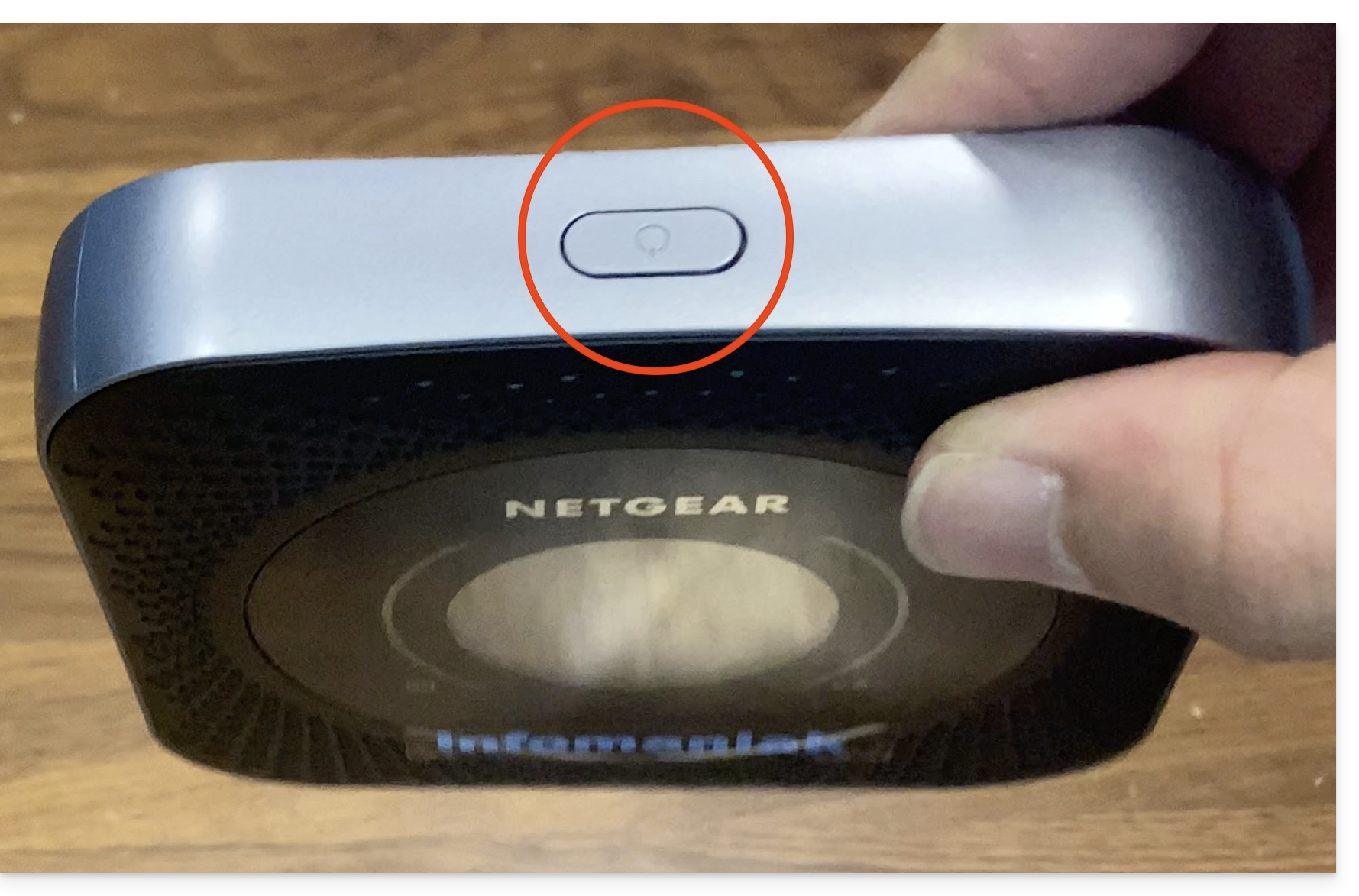
- Press the button on top of the machine for approximately 4 seconds:
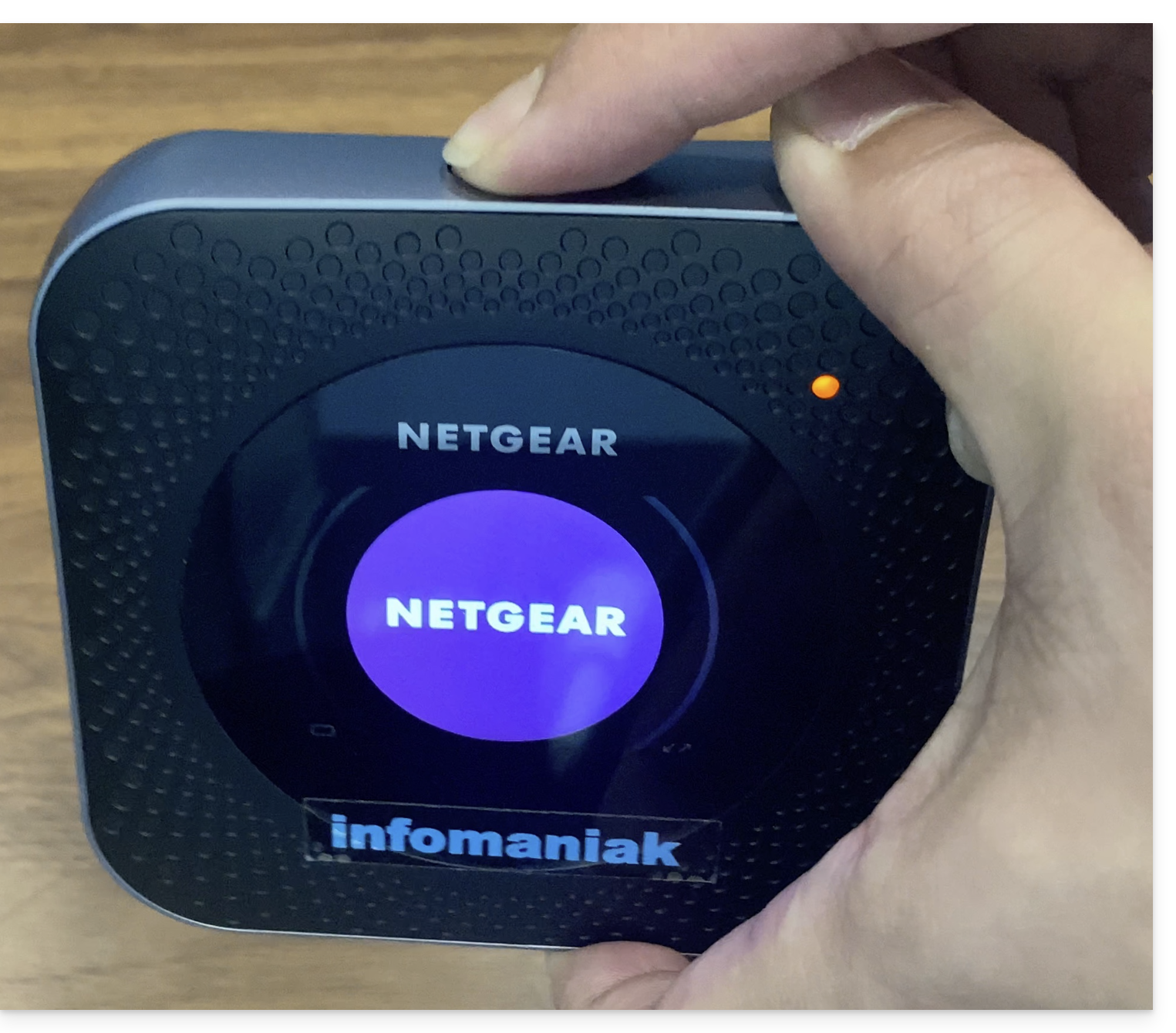
- The screen will light up:
- The terminal automatically connects to the Swisscom network and is ready for use:
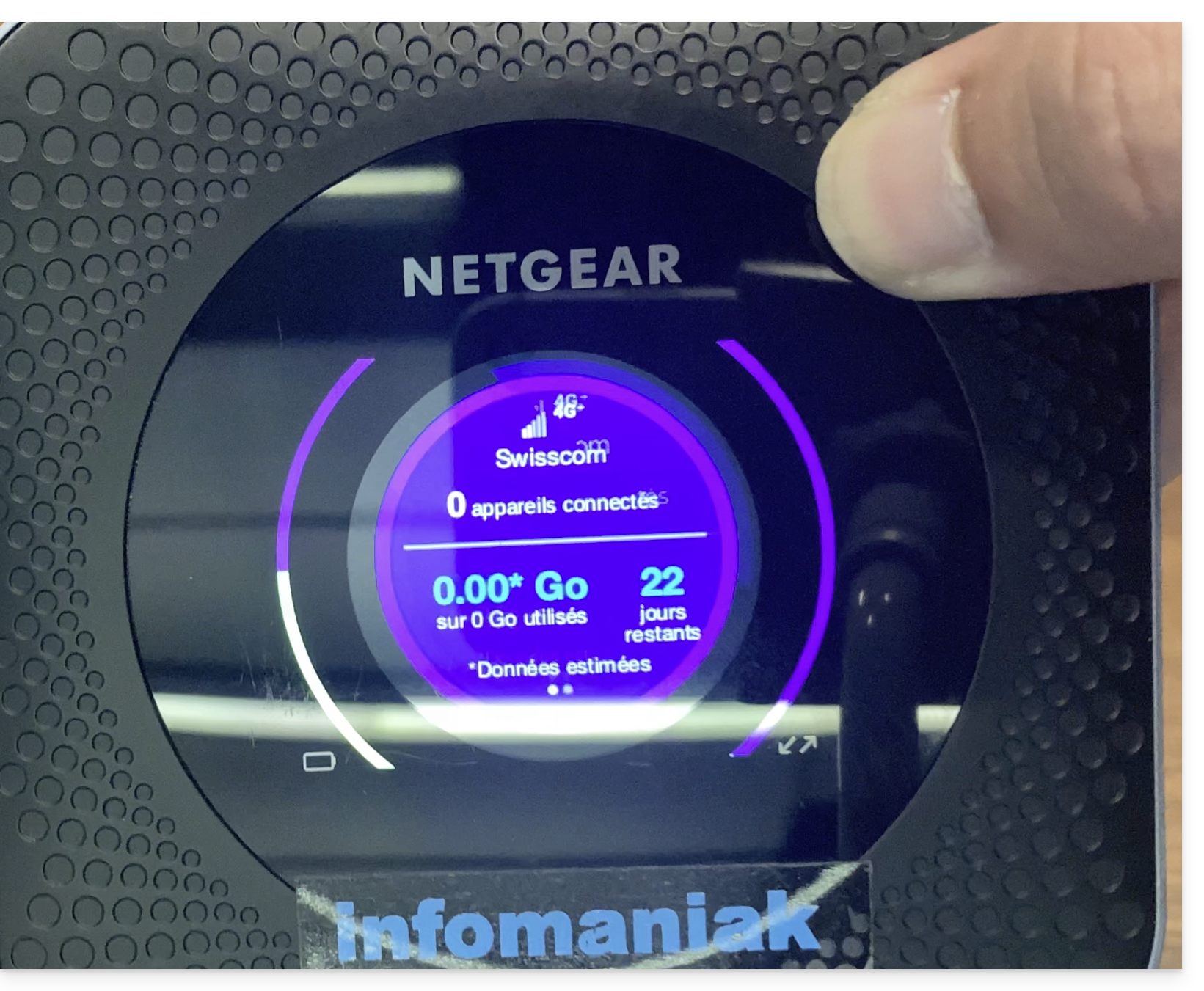
- It is possible to check the number of devices connected to the terminal with a simple press of the button.
- The number of days remaining is a countdown at the end of the month and has no consequence on the use of the terminal…
- Once the terminal is turned on and connected to the 4G network, the terminal will create a network named Infomaniak.
- Infomaniak printers, tablets, and scanners will automatically connect to this network.
Link to this FAQ: https://faq.infomaniak.com/2647
Has this FAQ been helpful?