Knowledge base
1000 FAQs, 500 tutorials and instructional videos. Here, there are only solutions!
Using the "Calendar" and "Calendly" Apps from Site Creator
This guide presents the Calendar and Calendly modules for Infomaniak's Site Creator.
Prerequisites
- Access Site Creator:
- Click here to access your product management on the Infomaniak Manager (need help?).
- Click directly on the name assigned to the relevant Site Creator.
- Click the Edit my site button to start the editor:

Calendar Module
From Site Creator:
- Click the Applications button in the left sidebar.
- Click on Calendar:
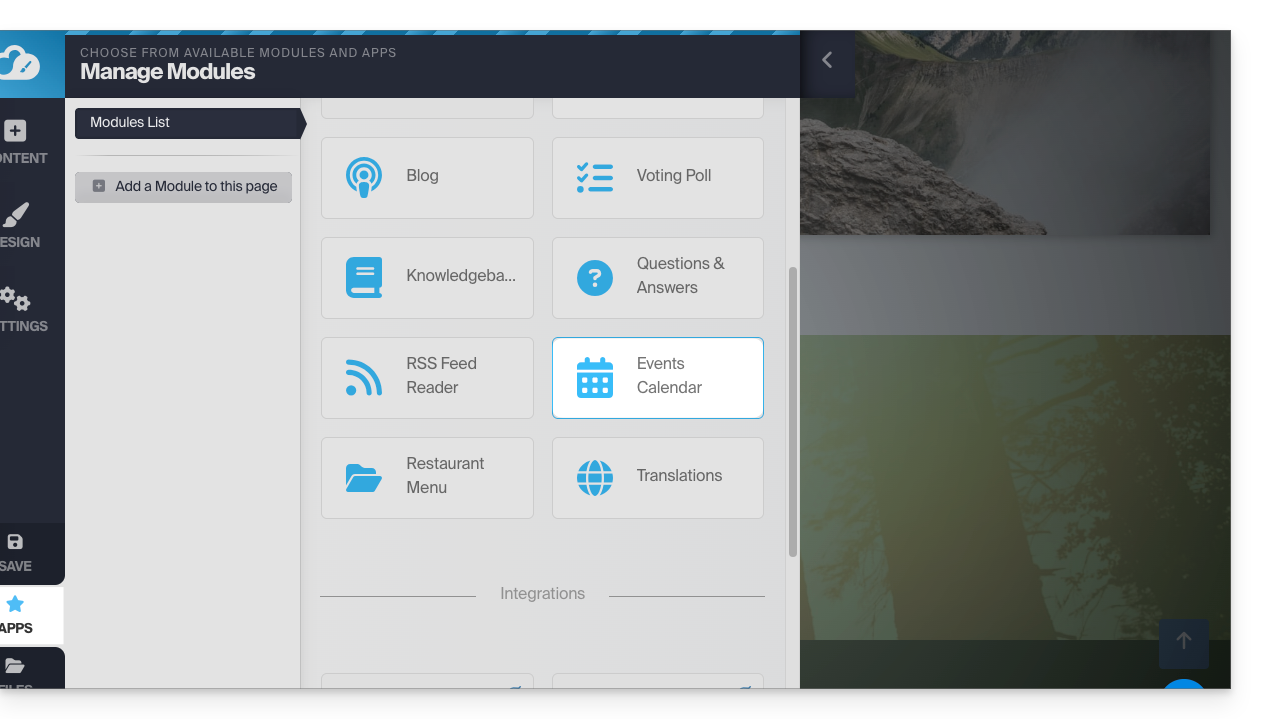
Add events related to your activity that you want to present on your site dynamically: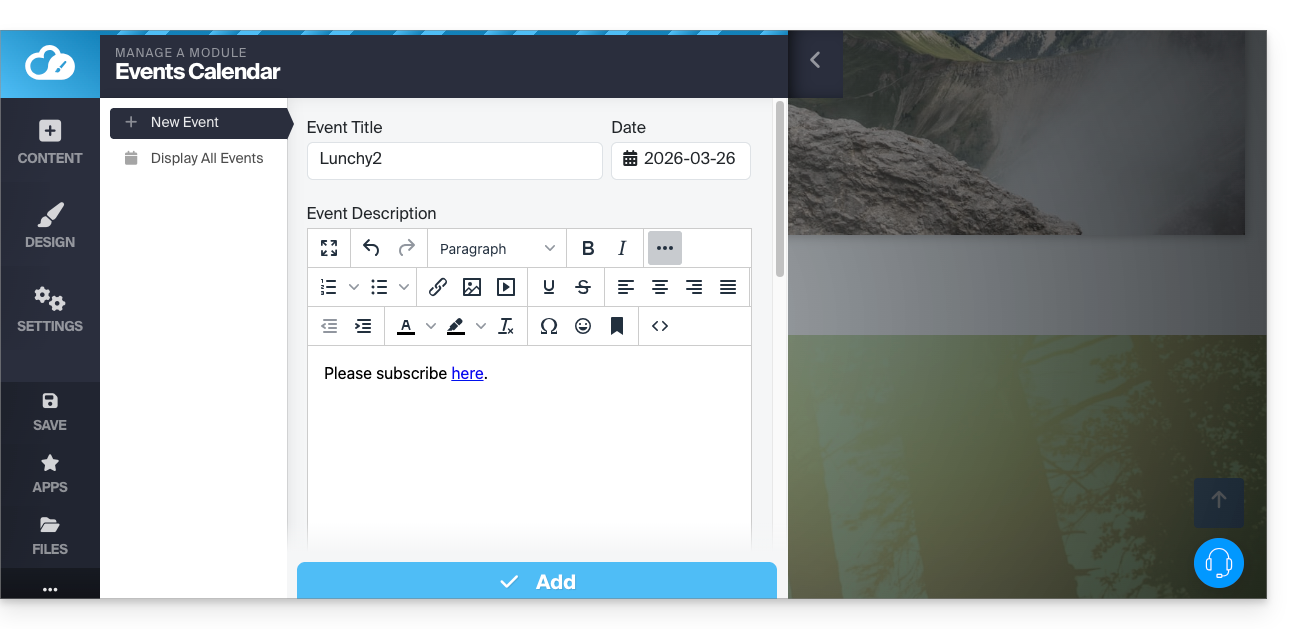
Once a few events have been added, you can see them on the calendar in the same place: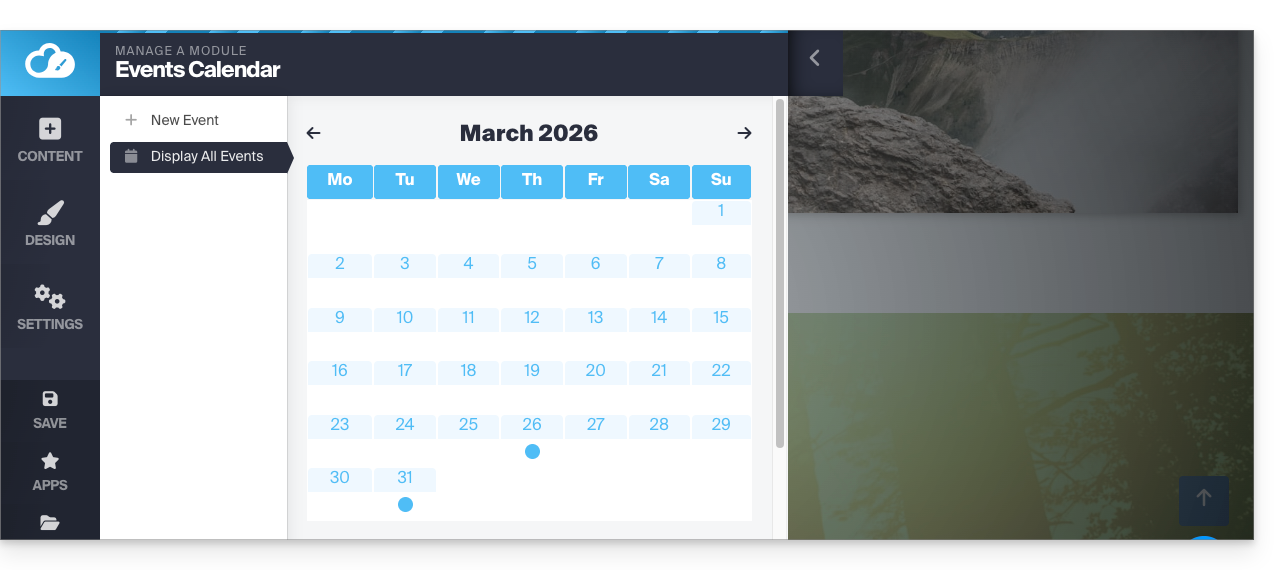
Then insert the Calendar module where you want on your site: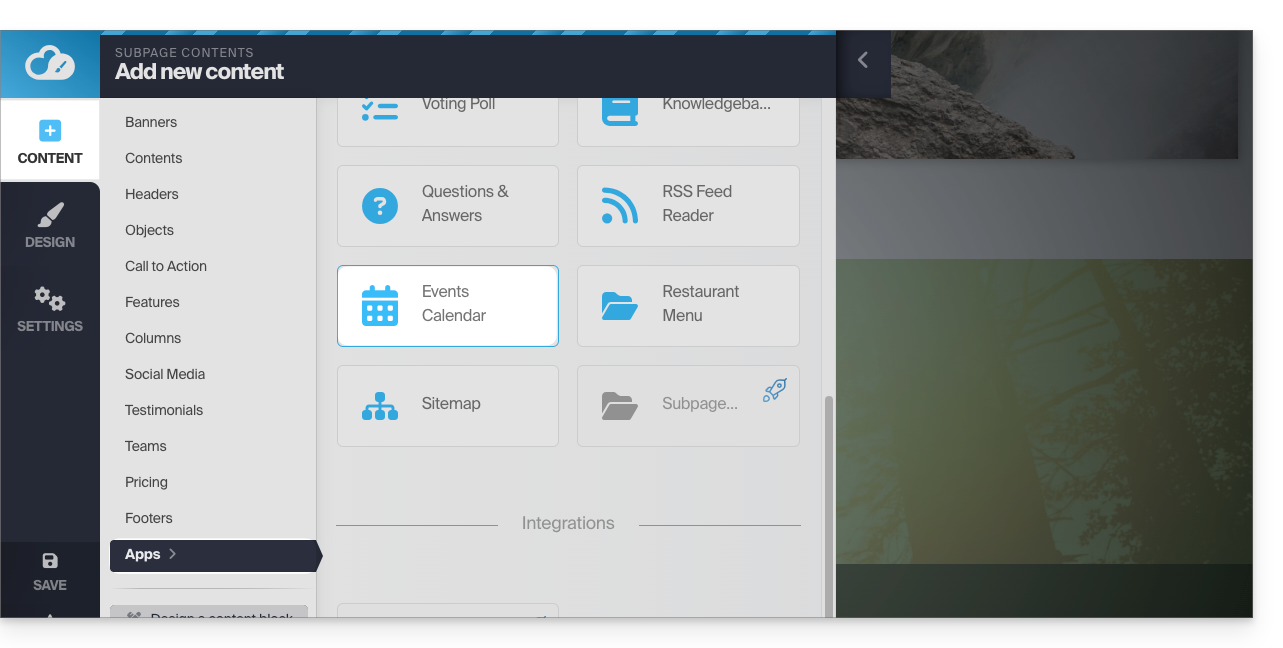
Your visitors will be able to see the scheduled events, including when you modify them on your calendar: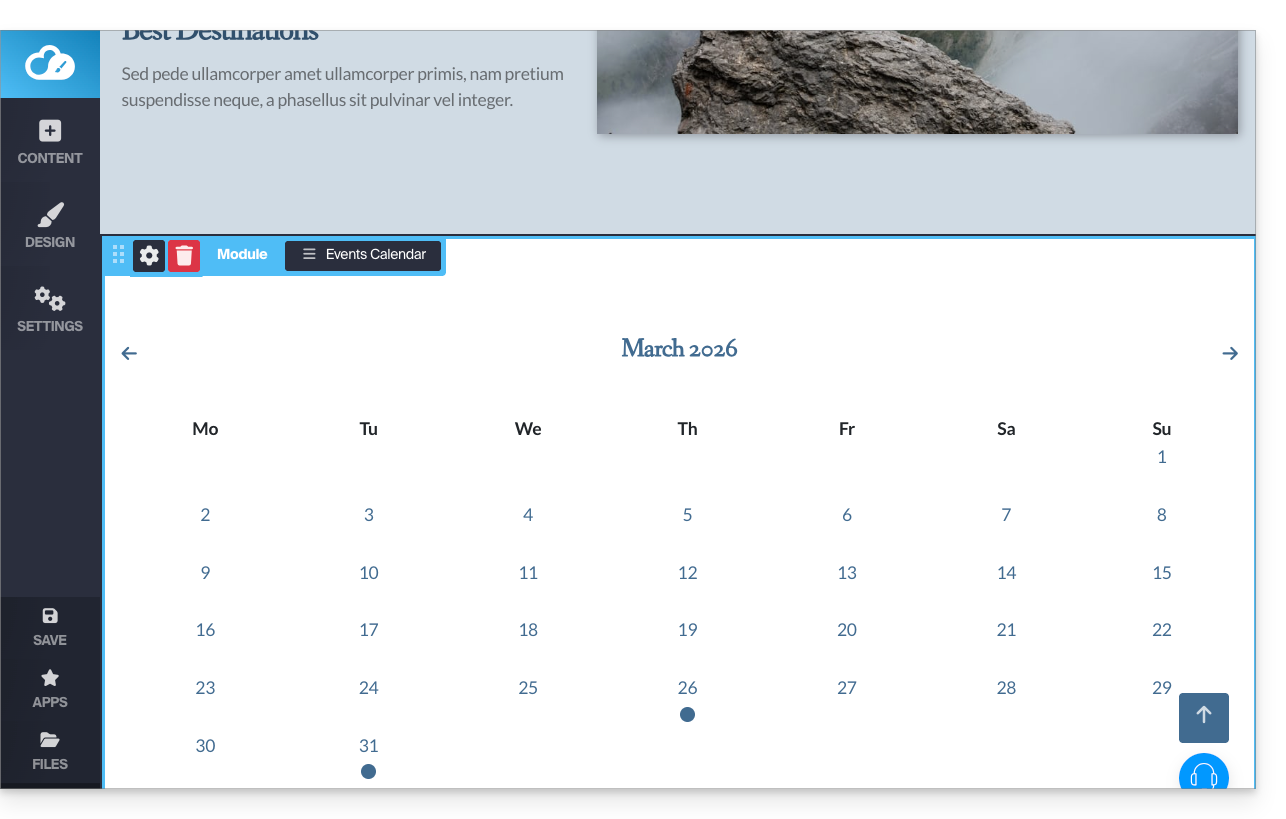
Calendly Module
✘ UNAVAILABLE with
Site Creator Free / Lite
This integration is possible as soon as you have an account on the external service Calendly.
From Site Creator:
- Click the Content button in the left sidebar.
- Click on Apps in the left sidebar.
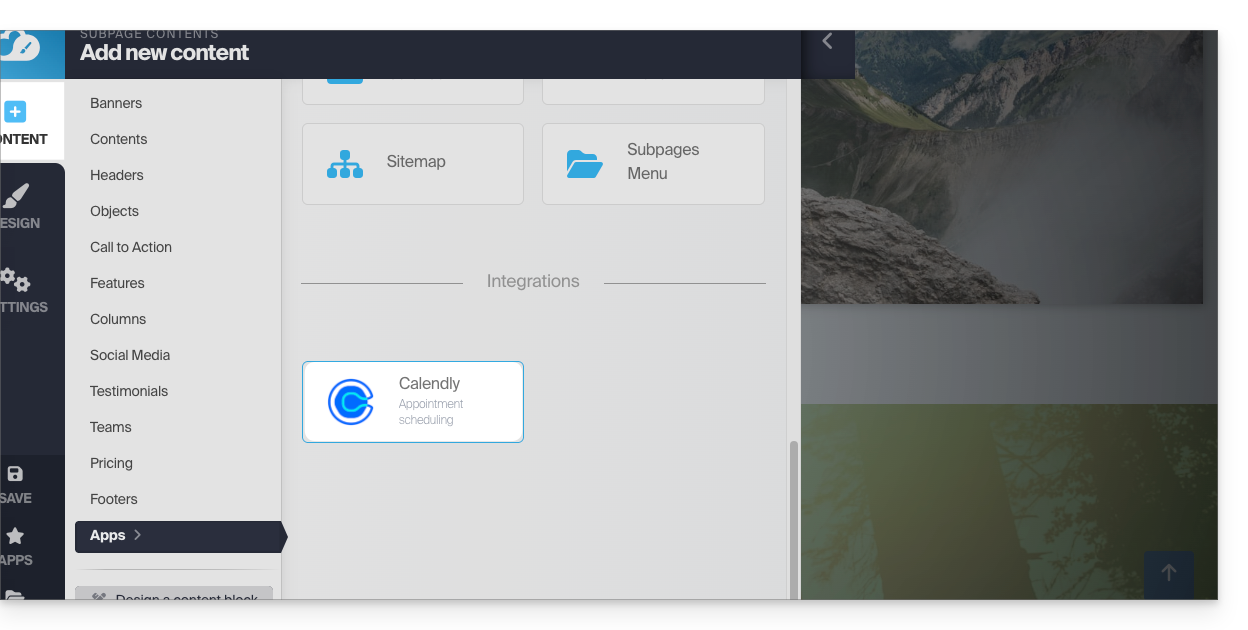
- Click on Calendly to insert the module:
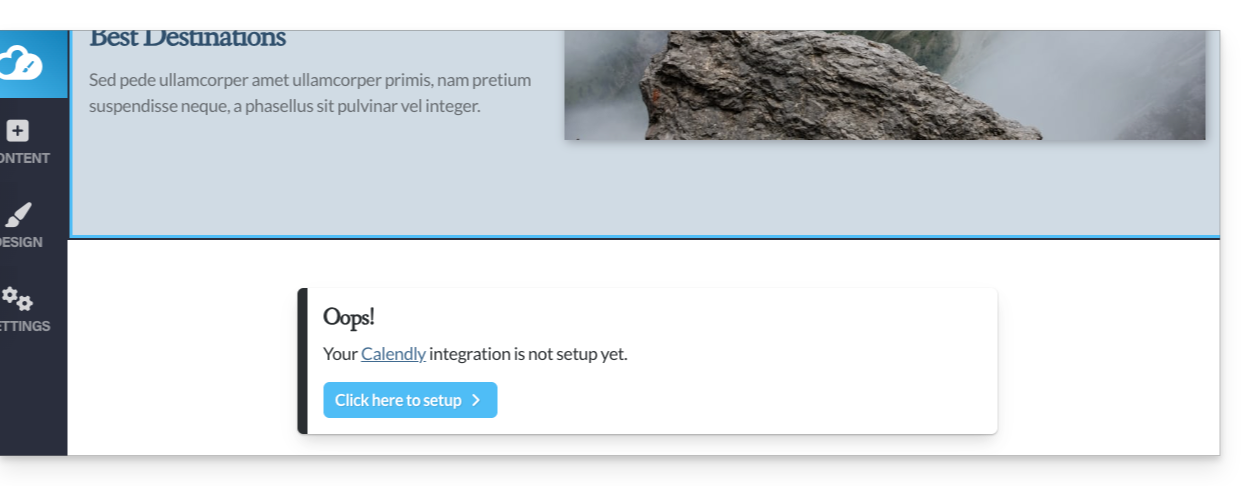
- Click to configure the application with the information related to your Calendly account:
Then insert the Calendly module in the desired location of your site to find your Calendly information: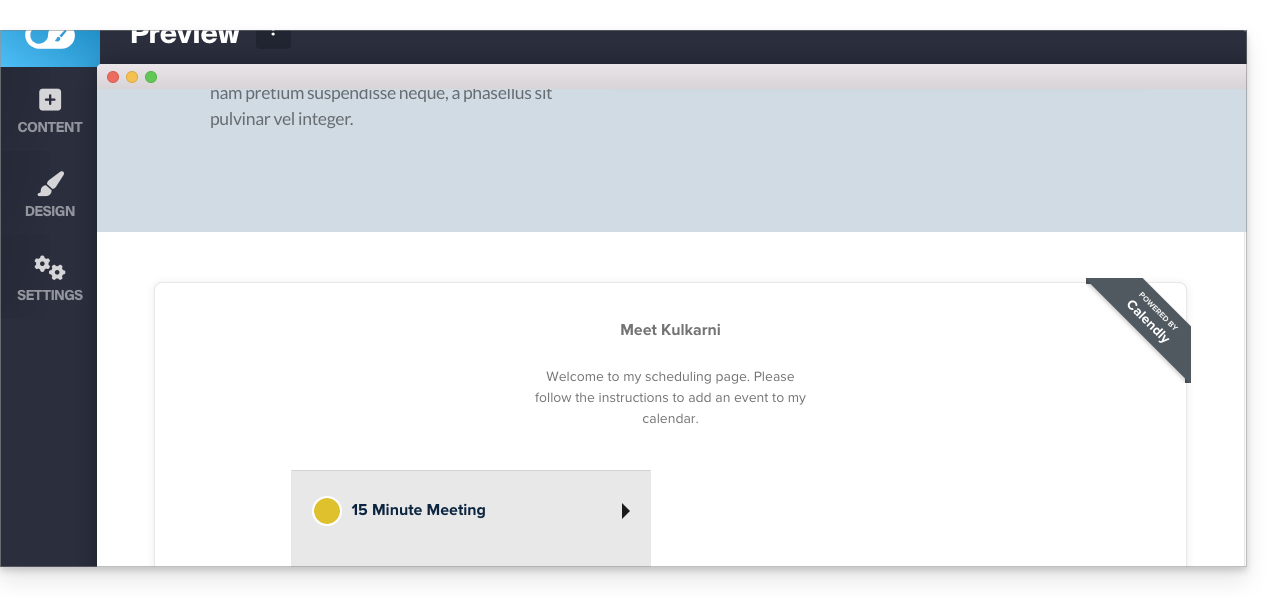
Link to this FAQ:
Has this FAQ been helpful?