Knowledge base
1000 FAQs, 500 tutorials and instructional videos. Here, there are only solutions!
Back up iOS with Acronis on Swiss Backup
This guide details how to back up an Apple iOS device (iPhone, iPad, etc.) using Acronis on Swiss Backup, the independent Swiss cloud backup solution.
Preamble
- What you can back up:
- Contacts & Calendars
- Photos (the original size and format of your photos are preserved)
- Videos
- It is also possible to back up other types of data.
- If necessary, local partners referenced by Infomaniak can handle these procedures: launch a free call for tenders; they handle everything, freeing you from technical details.
Configure the backup
Prerequisites
- Have a Swiss Backup Infomaniak space with available device quota (minimum 1) for Mobile:
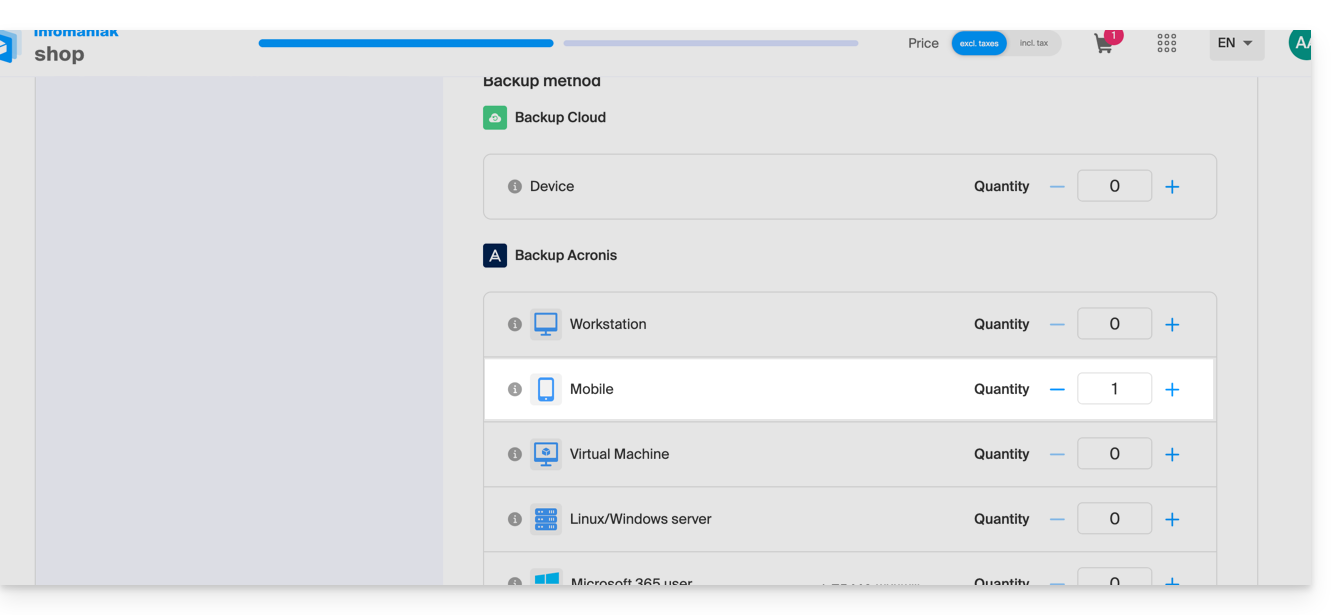
- If necessary, increase the device quota according to your needs.
- Add the device to the Infomaniak Manager to receive the login credentials.
- Review the Acronis documentation on this subject.
To configure mobile backup on Android with Acronis:
- Download and install the Acronis Cyber Protect app (not Acronis Mobile) from the App Store.
- Open the app by logging in to the Acronis Agent with the credentials obtained after adding the device (need help?).
- Click on Back Up and select the data to back up.
- Click on Confirm to start the data backup.
Link to this FAQ: https://faq.infomaniak.com/2295
Has this FAQ been helpful?