Knowledge base
1000 FAQs, 500 tutorials and instructional videos. Here, there are only solutions!
Order a Web Hosting at Infomaniak
Update 04/07/2026
This guide explains how to order Web Hosting at Infomaniak.
Already a customer, you already have hosting
To order an additional hosting:
- Click here to access the management of your product on the Infomaniak Manager (need help?).
- Click on the supermarket cart icon:
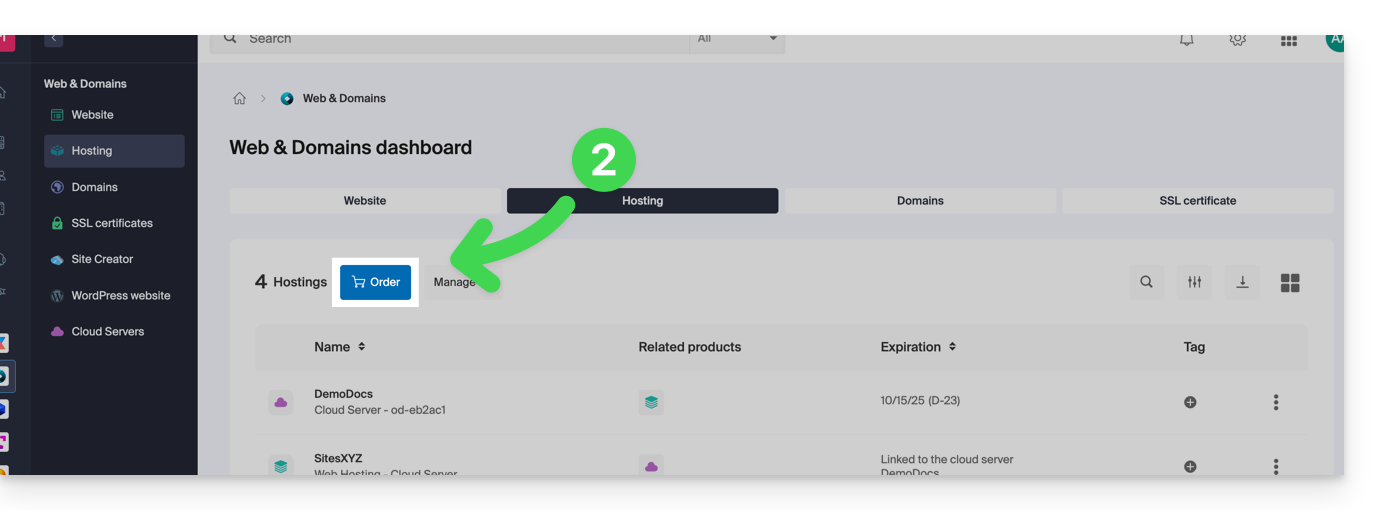
If you already have web hosting, you can also add a site to an existing hosting without ordering or paying for new hosting (multi-site/multi-domain management).
Order new Infomaniak web hosting
To order your first web hosting:
- If necessary, create a user account.
- Click here to access the Infomaniak Manager.
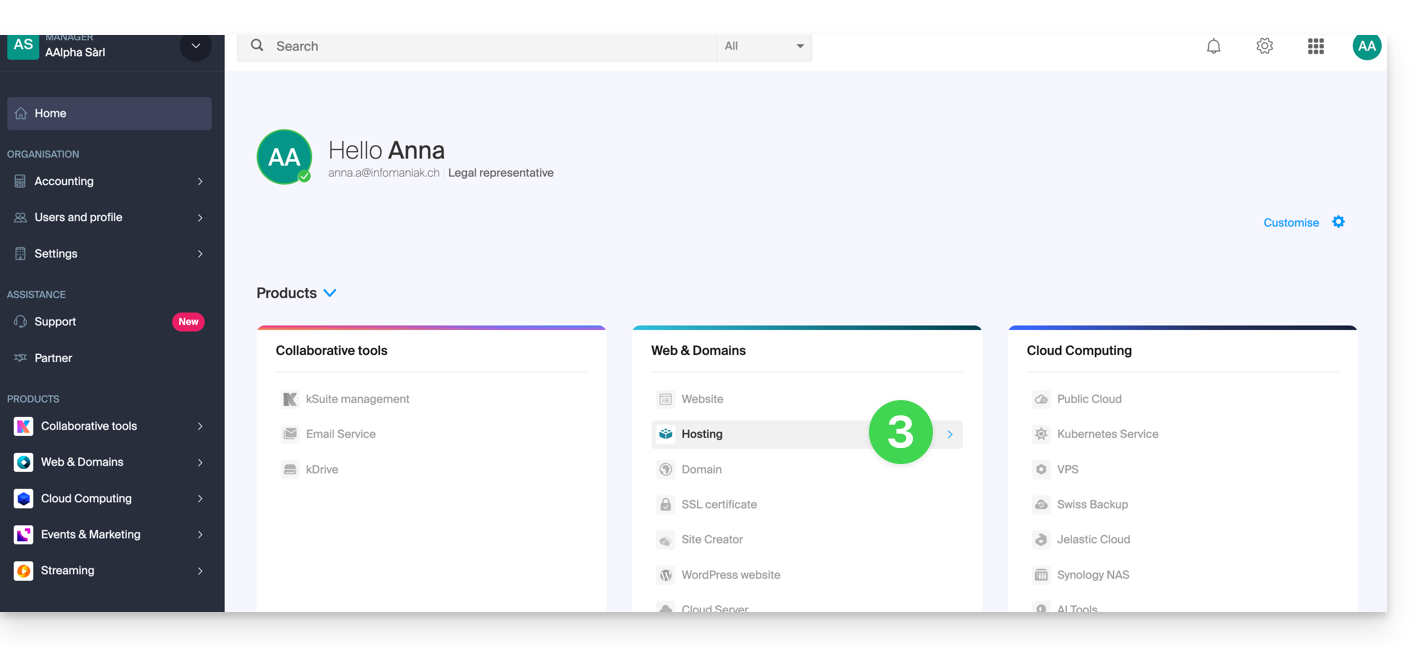
- Click on Hosting (Web & Domain universe):
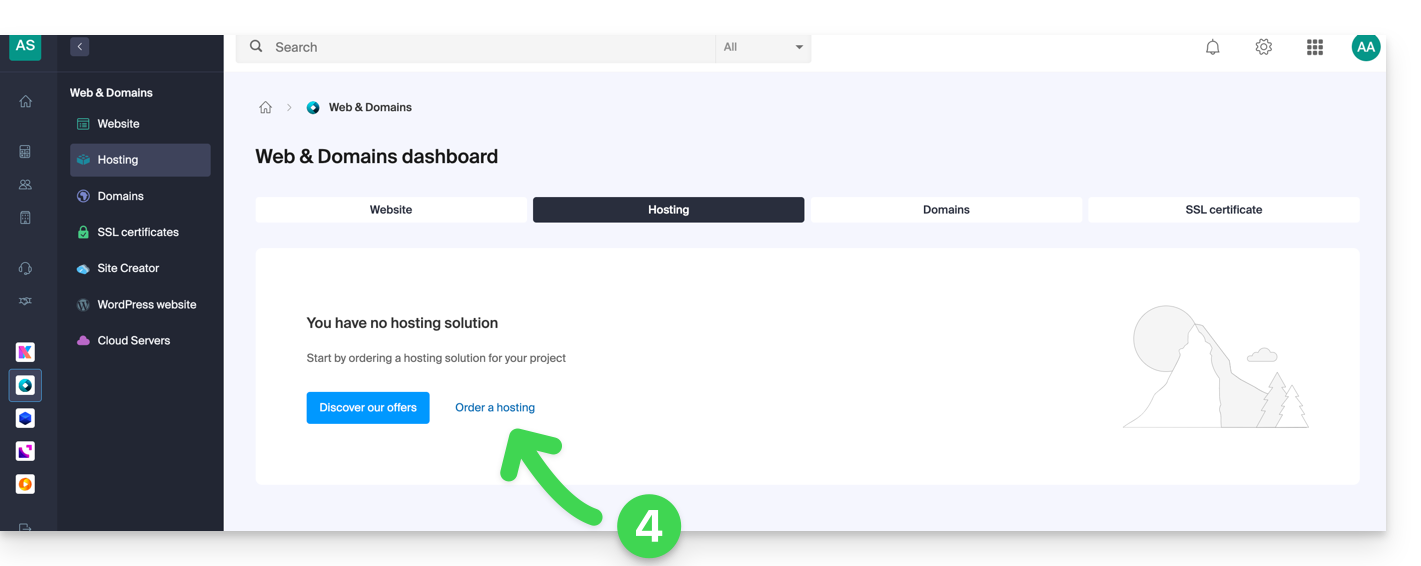
- Click to order new hosting:
- Once on the Shop, check that you are ordering in the desired Organization (select another from the list if necessary or create a new one at point 6 below):
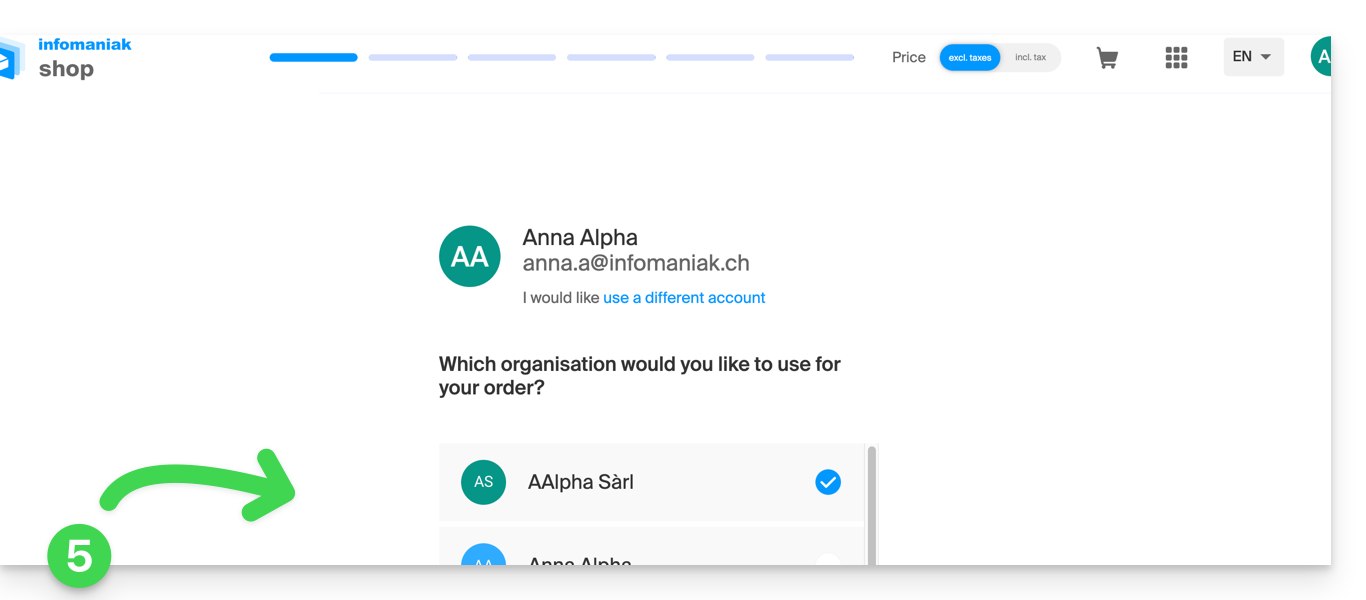
- Confirm your choice by clicking on the blue button at the bottom of the page (or first create a new Organization if necessary using the dedicated blue link):

- At the top, enter the domain name of your hosting and click on Search (even if you already manage it with another registrar):
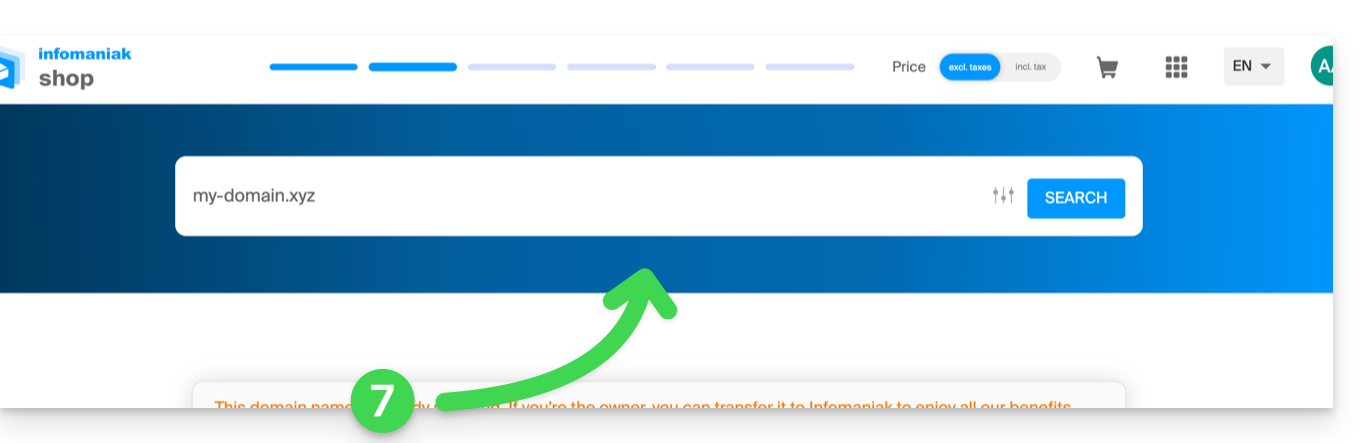
- Two scenarios are then possible:
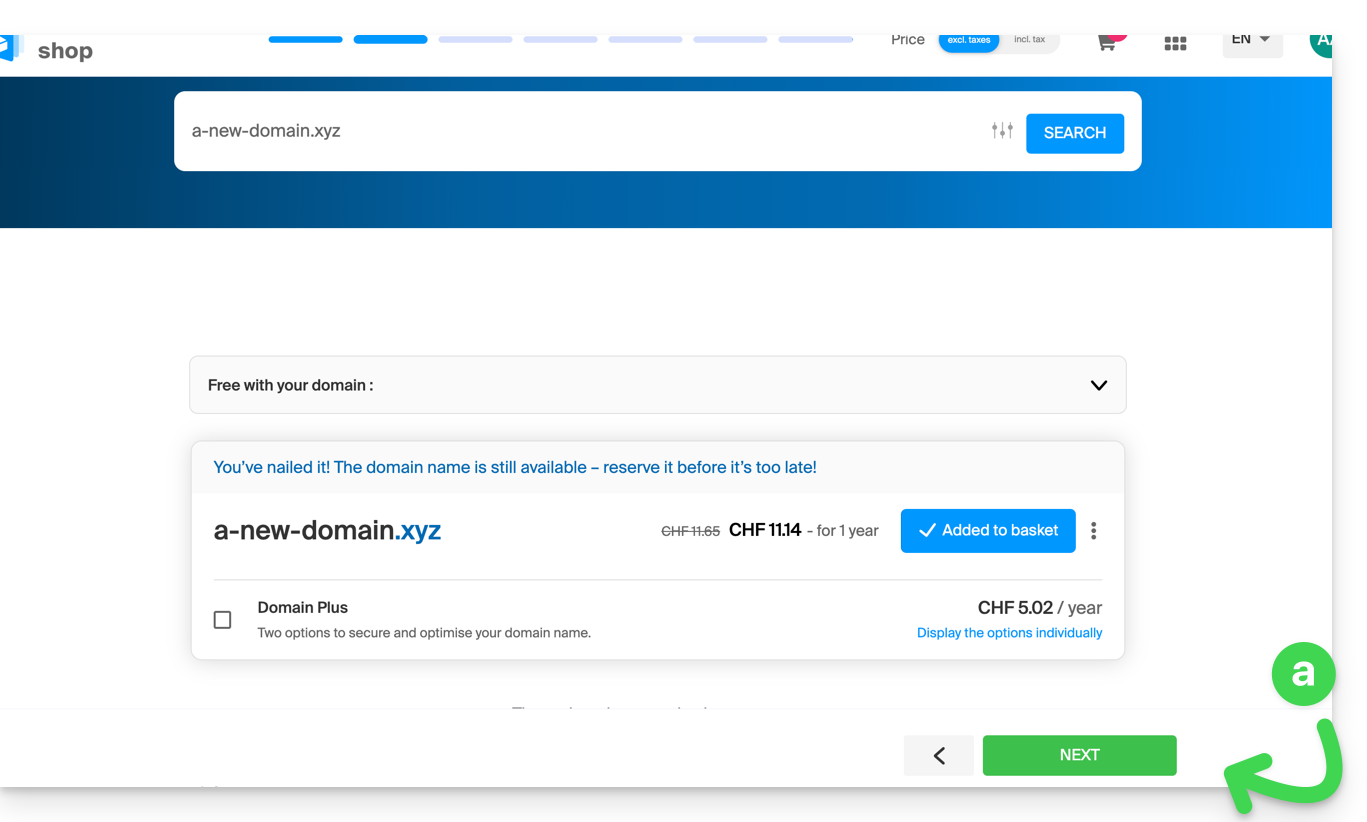
- You do not yet own the domain name: check the information and options on the screen, then click on the Next button:
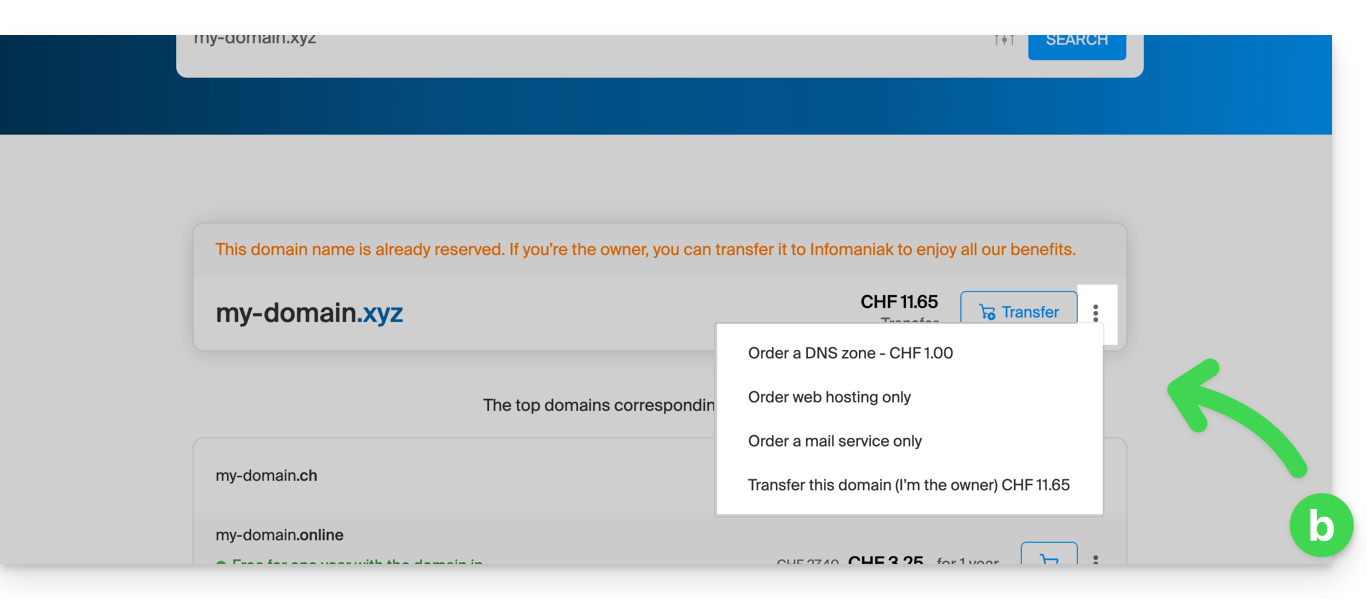
- You own and manage your domain names with another registrar: click on the action menu ⋮ to the right of the domain name to Order hosting only:
- You do not yet own the domain name: check the information and options on the screen, then click on the Next button:
- Choose the hosting that suits you.
- Click on Next.
- Complete the order.
Link to this FAQ:
Has this FAQ been helpful?