Knowledge base
1000 FAQs, 500 tutorials and instructional videos. Here, there are only solutions!
Display previous web statistics after migration
This guide explains how to access the web statistics of your old site after migrating your site to the new web hosting offers.
In short: your old statistics have been copied to the folder ~/stats_imported when your site was migrated.
If needed, this procedure details the steps to follow to access your old statistics:
- Click here to access the management of your site on the Infomaniak Manager (need help?).
- Click directly on the name assigned to the site in question.
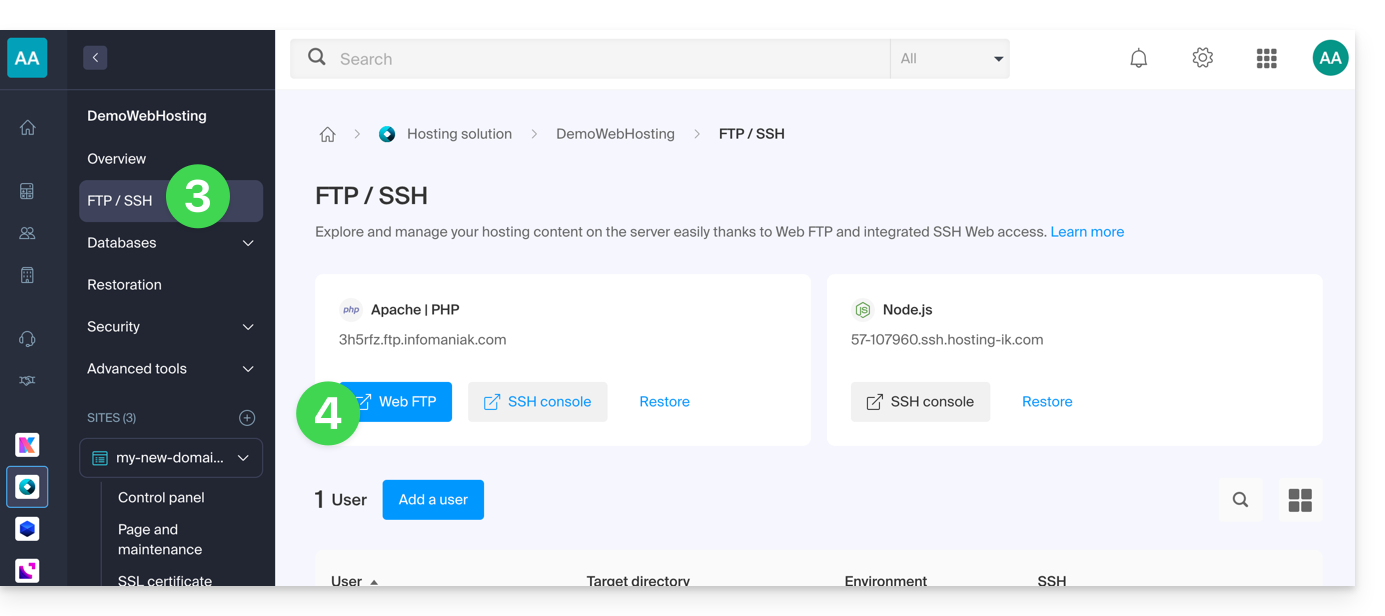
- Click on FTP/SSH in the left sidebar menu.
- Click the Web FTP button:
- Go to the root of the hosting (click on the folder "
/" in the tree on the left). - Open the folder
stats_imported. - Download or display the images that contain your statistics.
Link to this FAQ:
Has this FAQ been helpful?