Knowledge base
1000 FAQs, 500 tutorials and instructional videos. Here, there are only solutions!
Discover the Infomaniak Web Mail app
The easiest way to manage your emails is to use the Infomaniak Mail web app (online service at ksuite.infomaniak.com/mail).
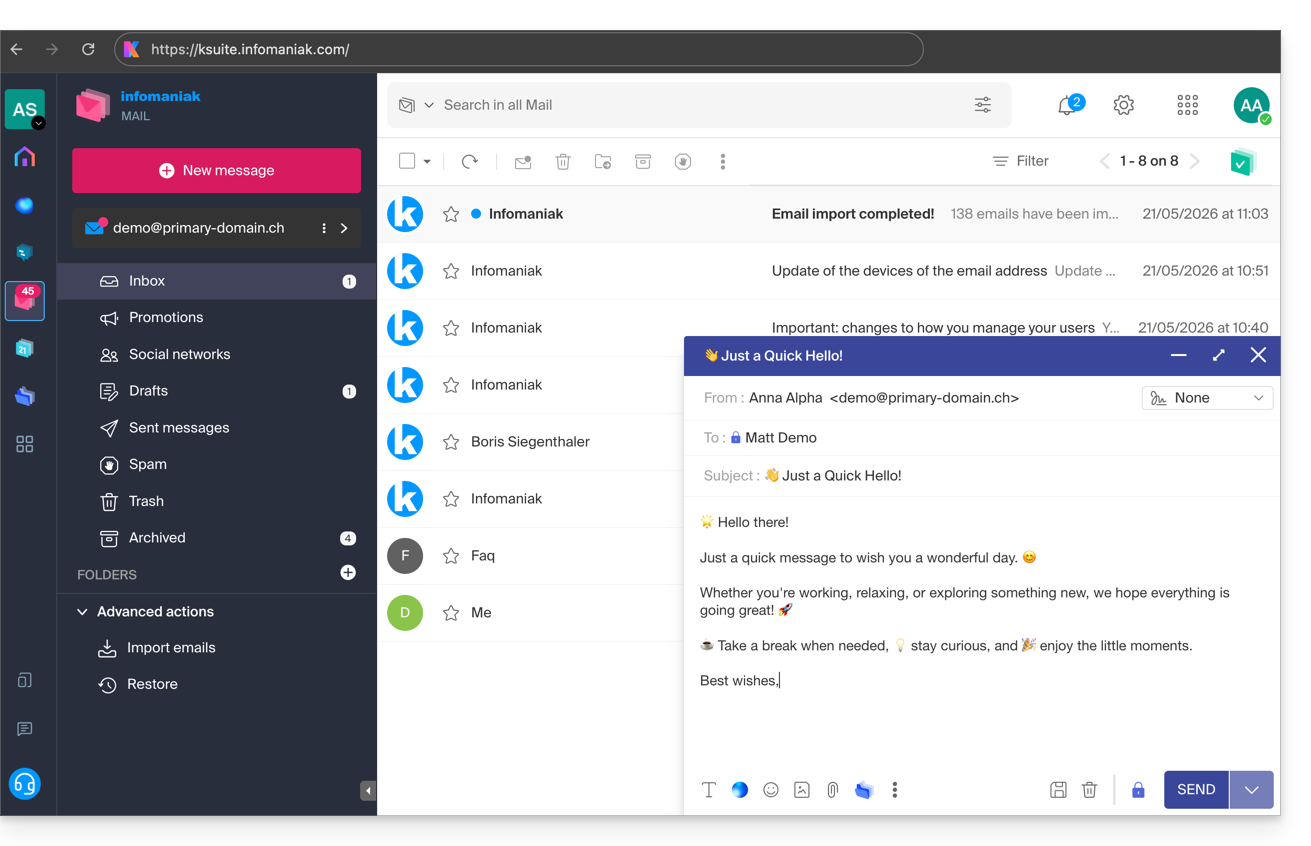
This interface offers many advantages:
- No software to install or configure.
- Mail sharing with other users.
- Unified management of all your Infomaniak email addresses.
- Professional incoming and outgoing anti-spam and antivirus filter.
- Automatic sorting of incoming messages (filters).
- Sending large attachments.
- Permanently saved.
- kDrive sharing.
- Secure and respects your privacy, hosted in Switzerland by a neutral and independent company.
A mobile app (Infomaniak Mail, application for iOS/Android smartphones or tablets) is available here.
How to get started with Infomaniak Mail?
Whether on ksuite.infomaniak.com/mail or the Infomaniak Mail app, it is essential to log in with your Infomaniak account ID and password. This will NOT work if you enter an email address and password directly. Understand the difference
- Click here to access the Infomaniak Mail web app (online service at ksuite.infomaniak.com/mail).
- If necessary, associate the email addresses to be managed with Infomaniak Mail.
What would you like to do next?
Link to this FAQ: https://faq.infomaniak.com/2008
Has this FAQ been helpful?