Base de conhecimento
1000 perguntas frequentes, 500 tutoriais e vídeos explicativos. Aqui, você encontra apenas soluções!
Criar um endereço de e-mail alternativo (alias)
A criação e gestão de alias (endereços de e-mail alternativos) é feita diretamente no Serviço de E-mail da interface de administração (Manager) da Infomaniak: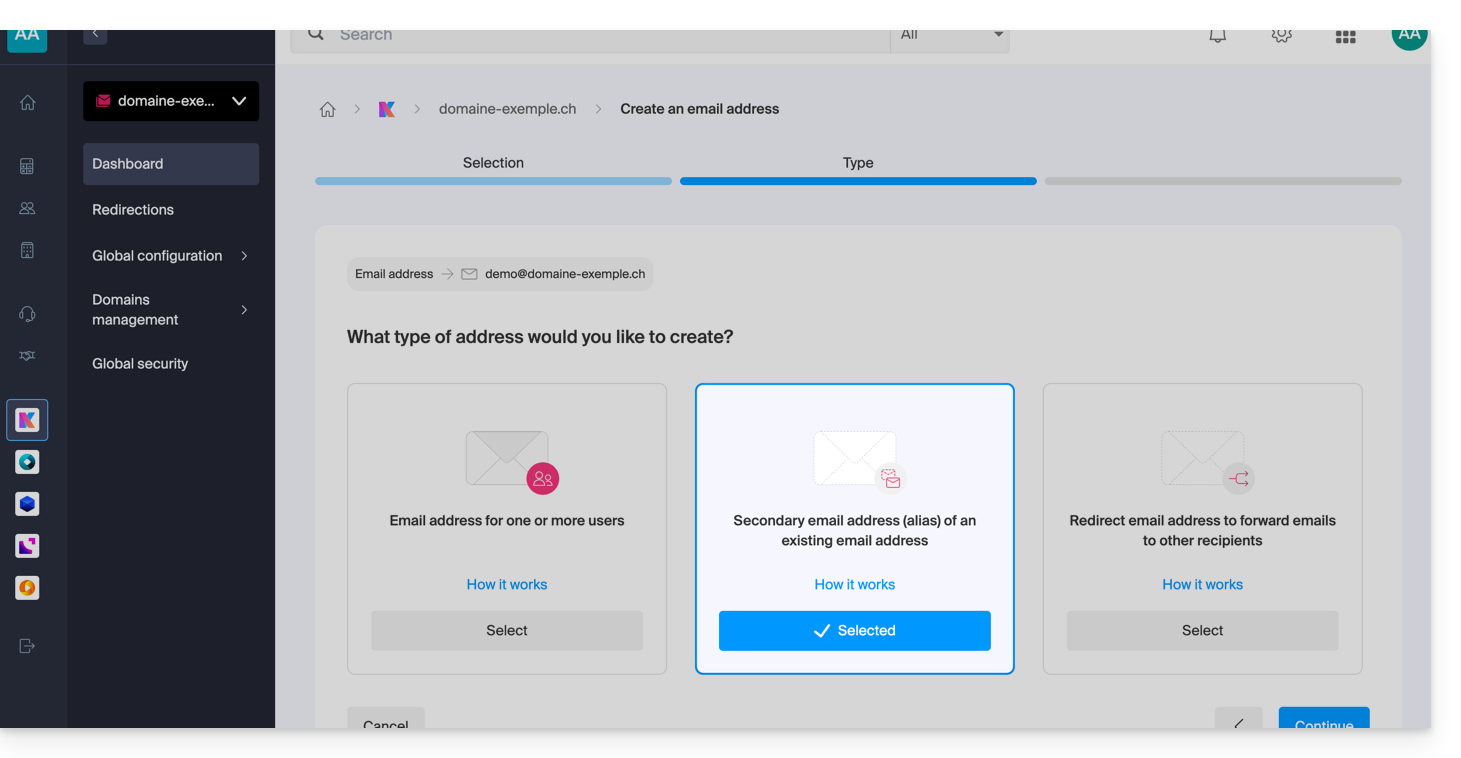
O que são endereços de e-mail alternativos?
Um endereço de e-mail alternativo, também conhecido como alias, é um endereço complementar associado a um endereço de e-mail principal. Ele não possui sua própria senha nem seu próprio espaço de armazenamento, pois redireciona automaticamente todas as mensagens recebidas para a caixa de entrada principalar elle redirige automatiquement tous les messages reçus vers la boîte de réception principalePor exemplo:
- Endereço de e-mail principal:
florent@domain.xyz - Endereços alternativos:
florent.dupont@domain.xyze/oufd@domain.xyze/oucontact@domain.xyzetc.
Para obter instruções detalhadas sobre como criar um alias, consulte este outro guia.
Particularidades e vantagens
O uso de um alias permite multiplicar os pontos de contato, simplificando ao mesmo tempo a gestão diária dos e-mails:
- Consolidação em uma única caixa de correio: o recebimento de e-mails de vários aliases é feito diretamente no endereço principal, evitando a criação de múltiplas caixas de correio.
- Gerenciamento centralizado: o usuário não precisa memorizar várias senhas; as configurações, como assinatura, resposta automática ou regras de filtragem, são centralizadas no endereço principal.
- Confidencialidade e segurança: o alias permite comunicar sem revelar o endereço de e-mail principal ou a identidade real ao enviar mensagens.
- Utilização com múltiplos domínios: é possível conectar vários nomes de domínio ao Serviço de E-mail para receber mensagens em diferentes extensões (ex: .com, .ch, .fr) através de uma única interface; consulte este outro guia.
- Otimização de custos: os endereços alternativos não são descontados da quota de endereços incluída na oferta Serviço de Email, o que permite criar várias identidades/grafias sem custos adicionais.
Para necessidades específicas, também é possível (e isso se aplica a todas as ofertas de email da Infomaniak) gerar alias temporários/dinâmicos para filtrar emails recebidos ou para se inscrever em serviços de terceiros sem sobrecarregar a caixa de entrada principal. Consulte este outro guia.
Link para esta FAQ: https://faq.infomaniak.com/2902
Esta seção de perguntas frequentes foi útil?