Base de conhecimento
1000 perguntas frequentes, 500 tutoriais e vídeos explicativos. Aqui, você encontra apenas soluções!
Set a new default homepage for Site Creator
This guide explains how to manage the first page of an Infomaniak Site Creator, i.e., the homepage that is displayed when you type in your website's address (e.g., www.domain.xyz).
Introduction
- The homepage is mandatory, but you can easily define a new one from your existing pages at any time.
- Refer to this other guide to manage additional pages.
Modify the website's homepage
Prerequisites
- Access Site Creator:
- Click here to access the management of your product on the Infomaniak Manager (need help?).
- Click directly on the name assigned to the Site Creator in question.
- Click on the Edit my site button to start the editor:
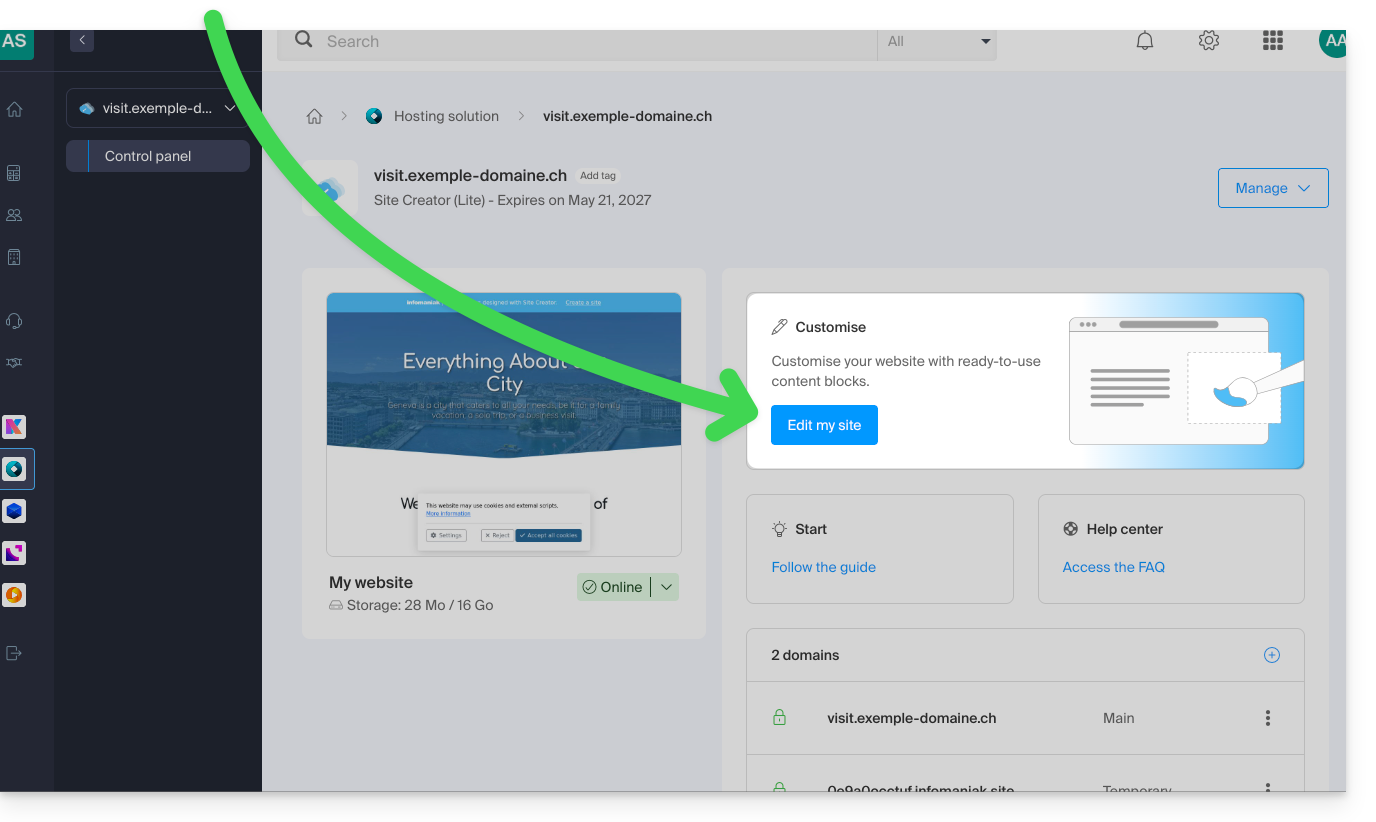
Once in Site Creator:
- Click on the Settings button in the left-hand menu – the list of your pages appears:
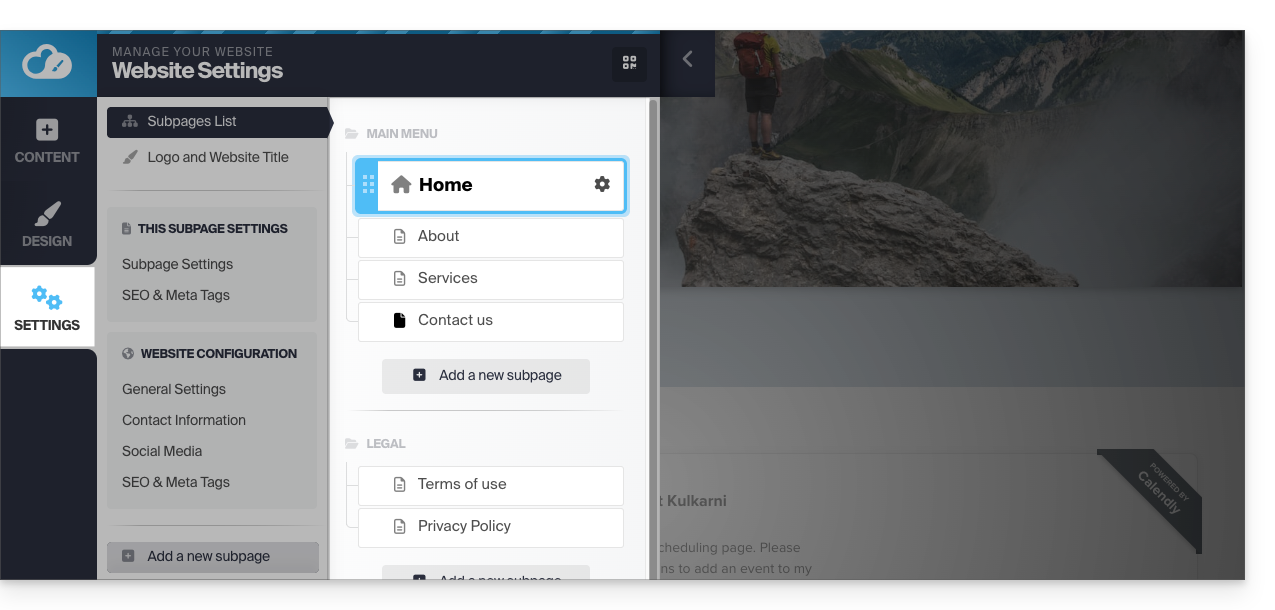
- Click, then drag and drop the current homepage (represented by a house icon) to the bottom of the list:
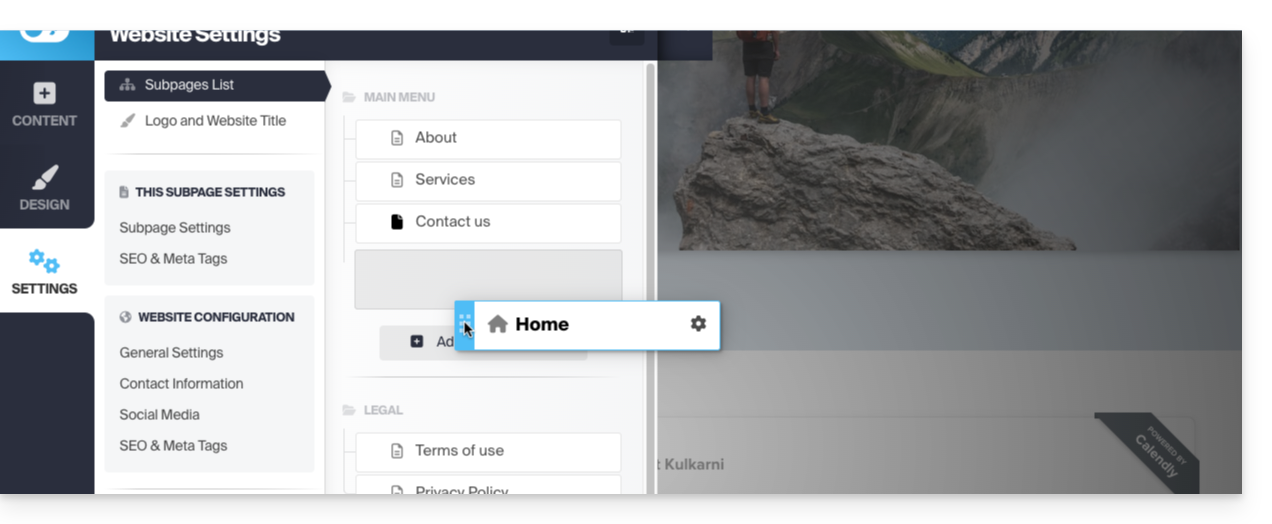
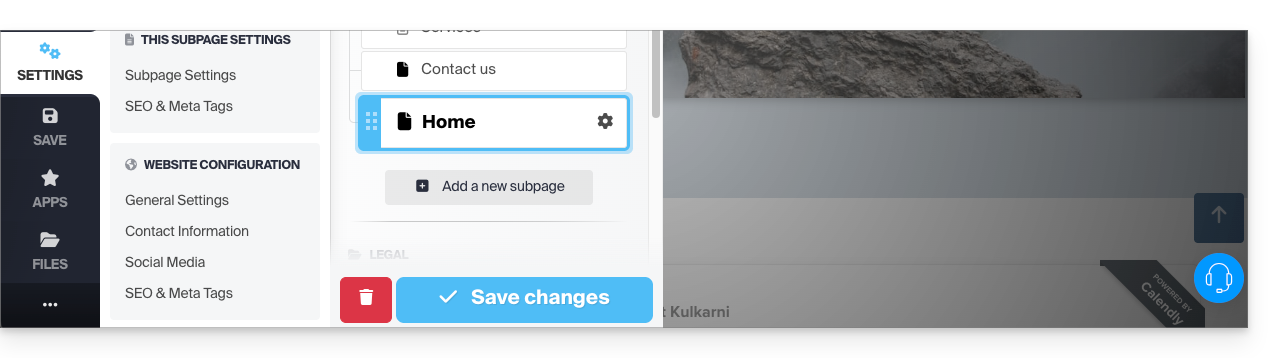
- Click on the icon of this page to change its page type to a standard page.
- Save the changes:
- Go back to the settings and click on the Settings icon on the page you want to set as the new homepage:
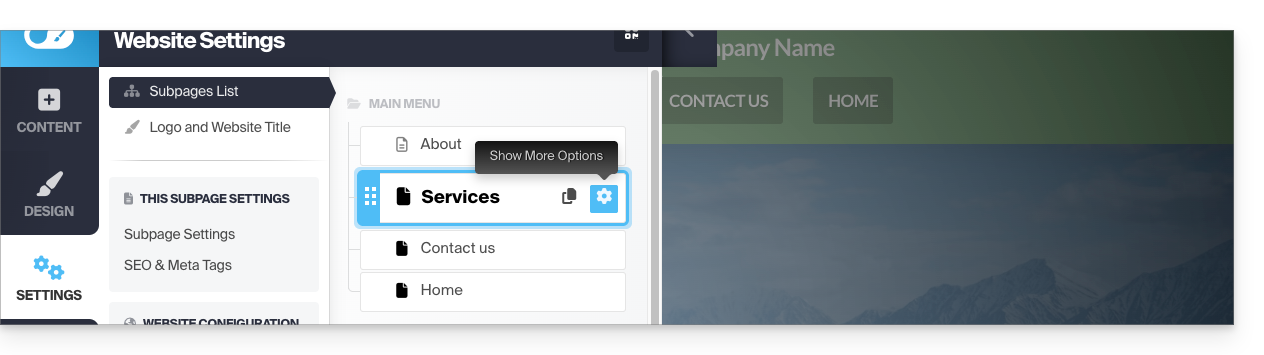
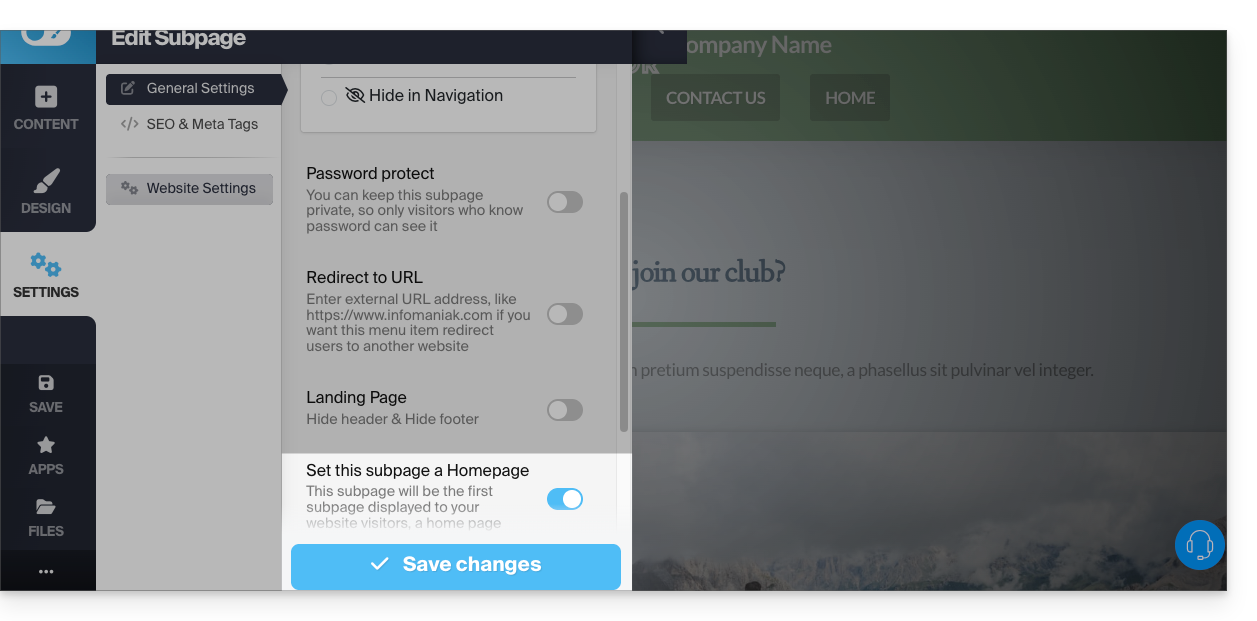
- Click on the toggle switch to set this page as the homepage of your site.
- Save the changes:
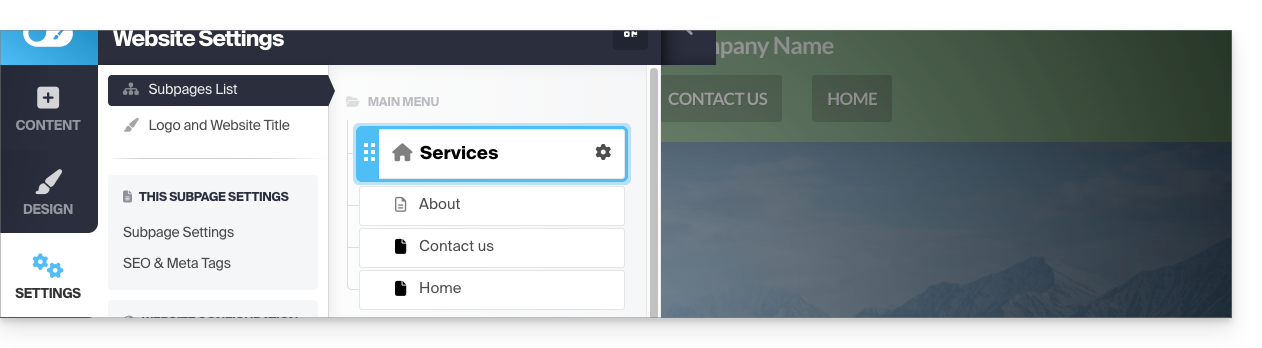
- Go back to the settings and click on the icon of this page to change its page type to homepage and position it first:
- Save the changes and test the effect of the change by visiting your site, which will no longer have the same default homepage:
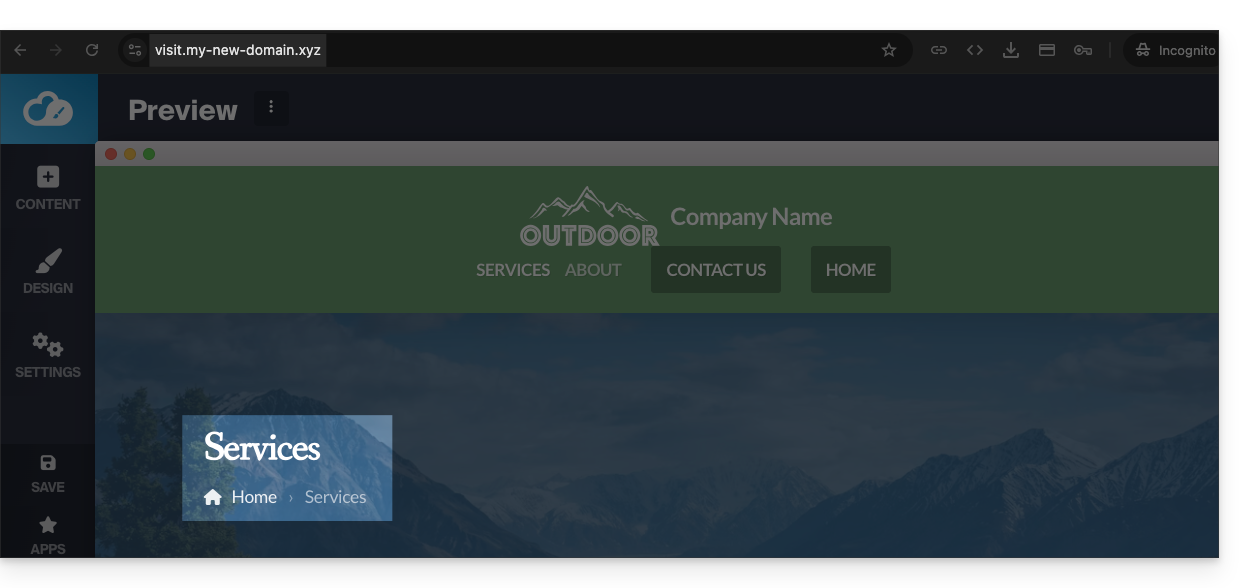
- Before, the homepage was the default one:
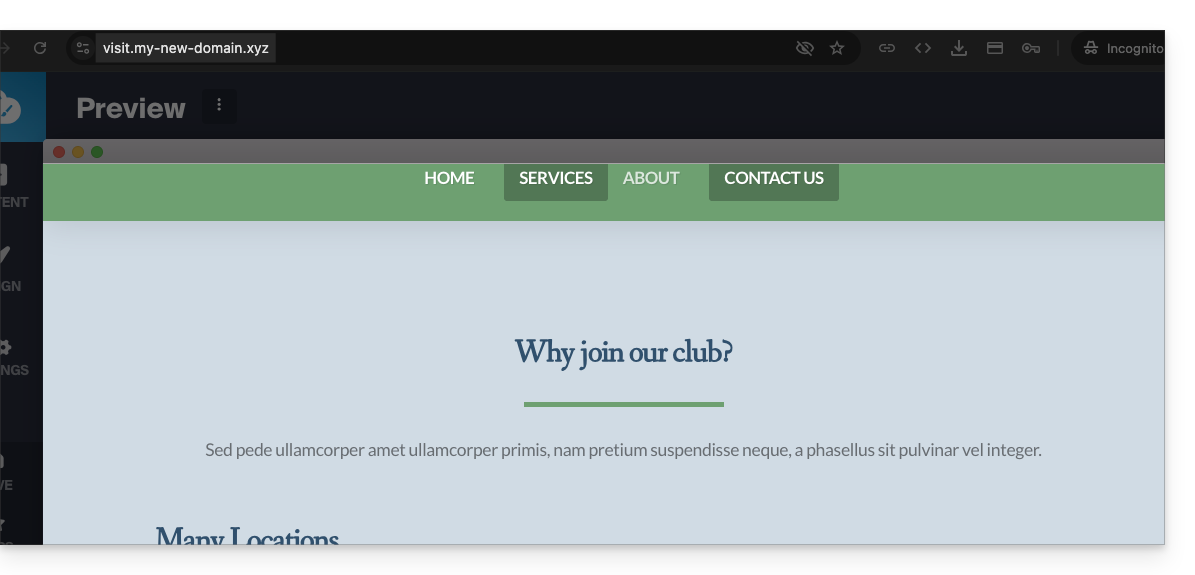
- Before, the homepage was the default one:
Link para esta FAQ: https://faq.infomaniak.com/2638
Esta seção de perguntas frequentes foi útil?