Base de conhecimento
1000 perguntas frequentes, 500 tutoriais e vídeos explicativos. Aqui, você encontra apenas soluções!
Usar o aplicativo "Calendário" e o "Calendly" do Site Creator
Este guia apresenta os módulos Calendário e Calendly para o Site Creator da Infomaniak.
Pré-requisitos
- Aceder ao Site Creator:
- Clique aqui para aceder à gestão do seu produto no Manager Infomaniak (precisa de ajuda?).
- Clique diretamente no nome atribuído ao Site Creator em questão.
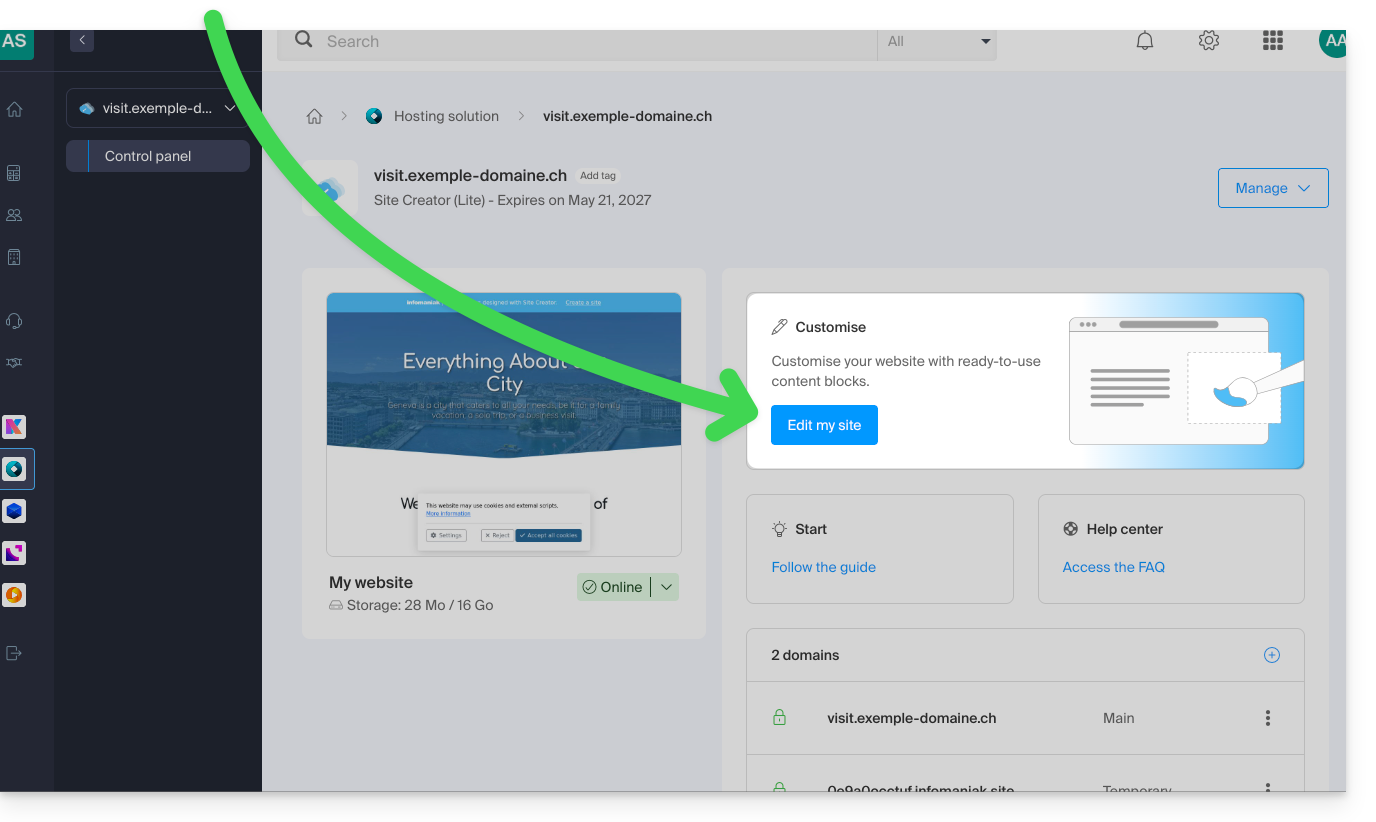
- Clique no botão Editar o meu site para iniciar o editor:
Módulo Calendário
No Site Creator:
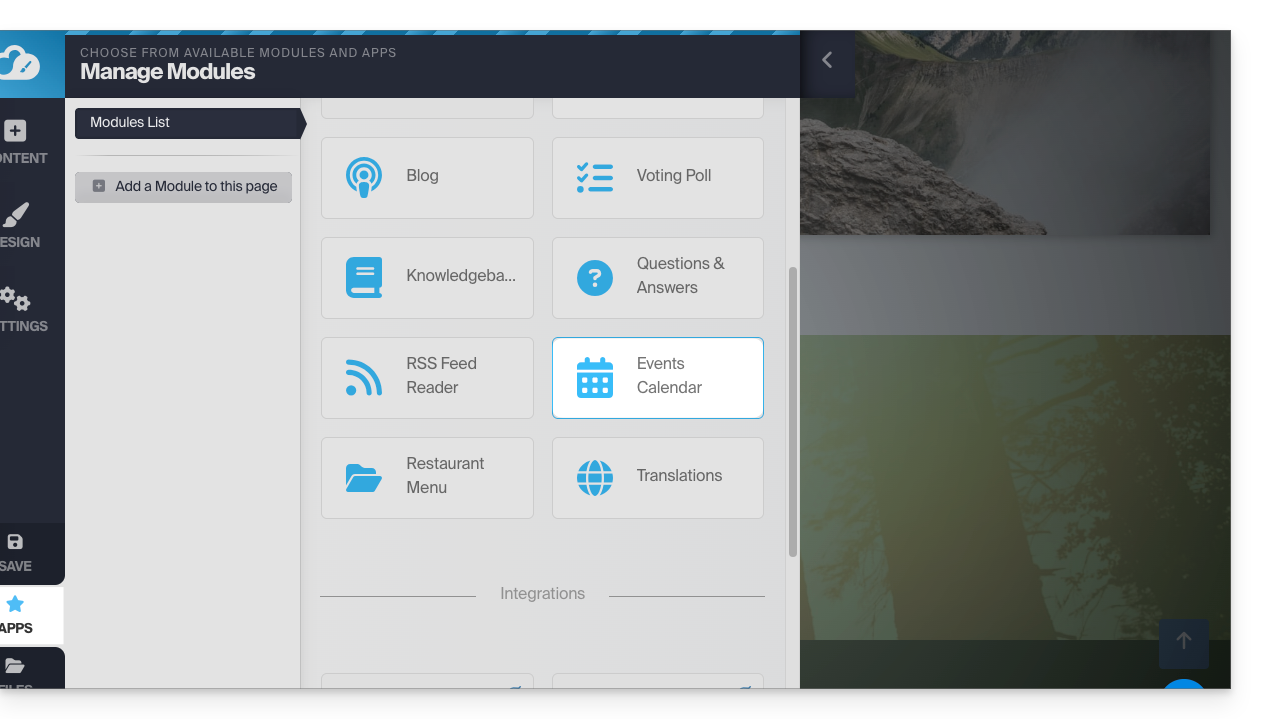
- Clique no botão Aplicações no menu lateral esquerdo.
- Clique em Calendário:
Adicione eventos relacionados à sua atividade que deseja exibir de forma dinâmica em seu site: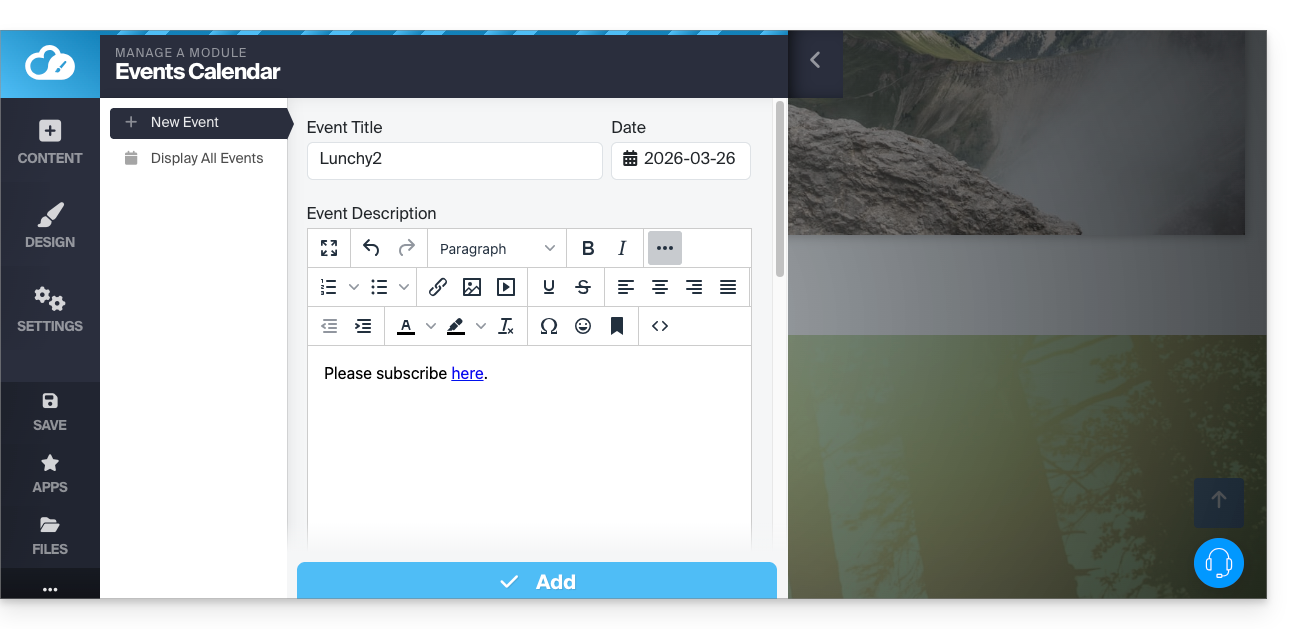
Depois de adicionar alguns eventos, você pode visualizá-los no calendário no mesmo local: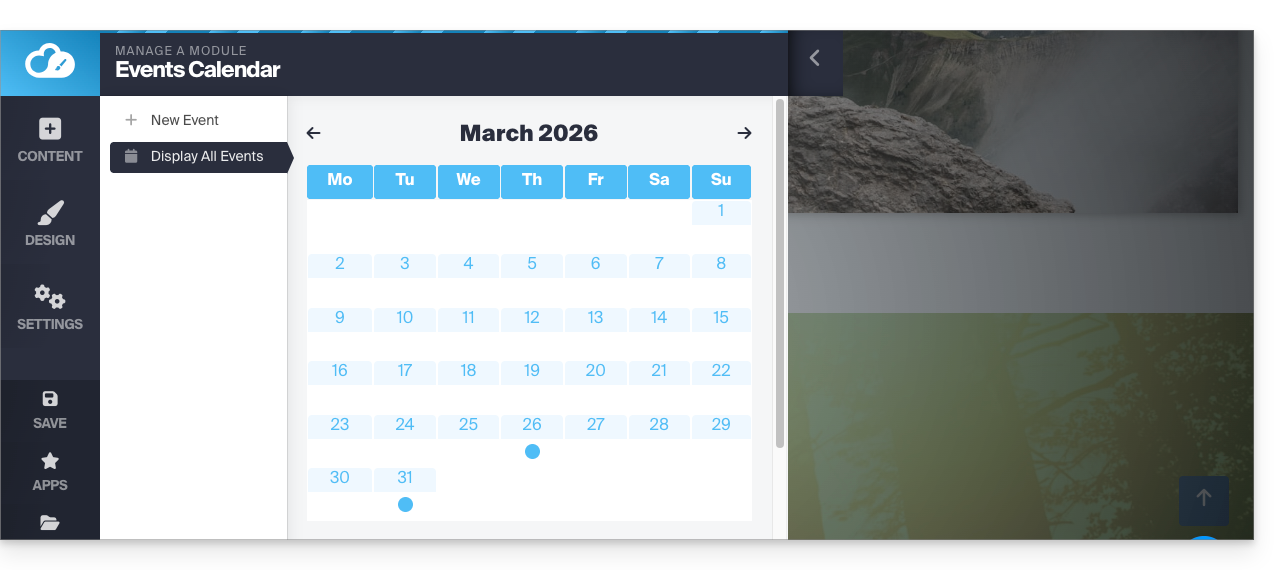
Em seguida, insira o módulo Calendário no local desejado do seu site: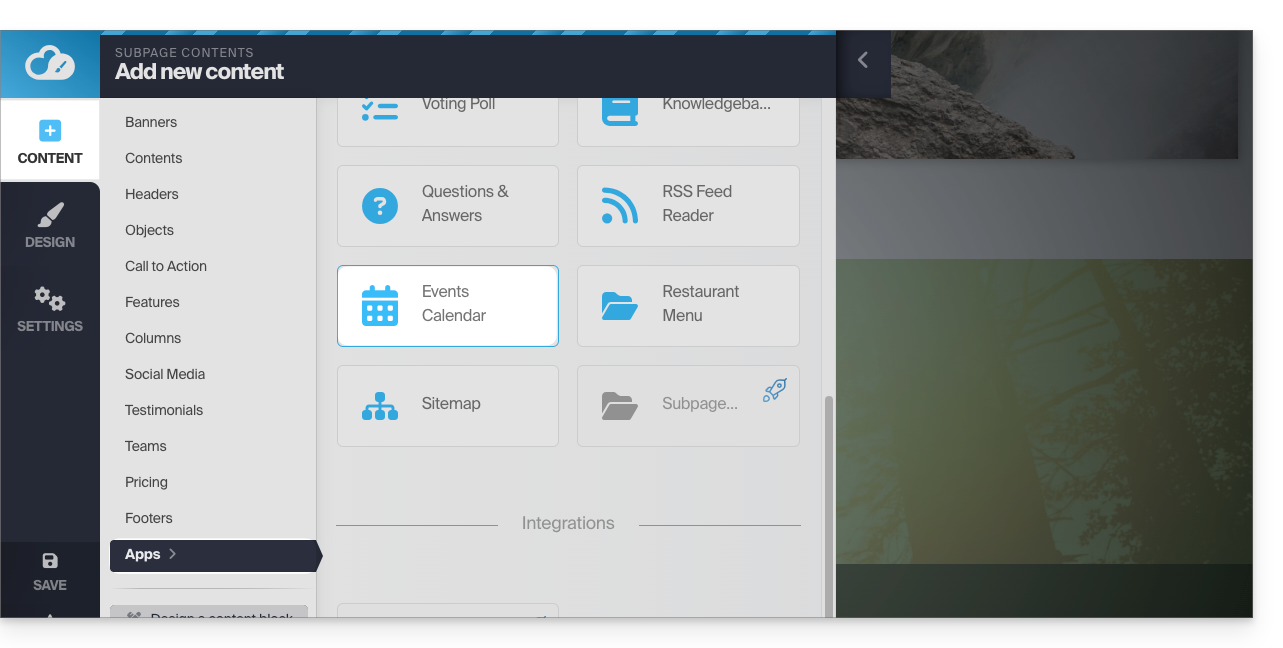
Os seus visitantes poderão ver os eventos agendados, incluindo quando os modificar no seu calendário: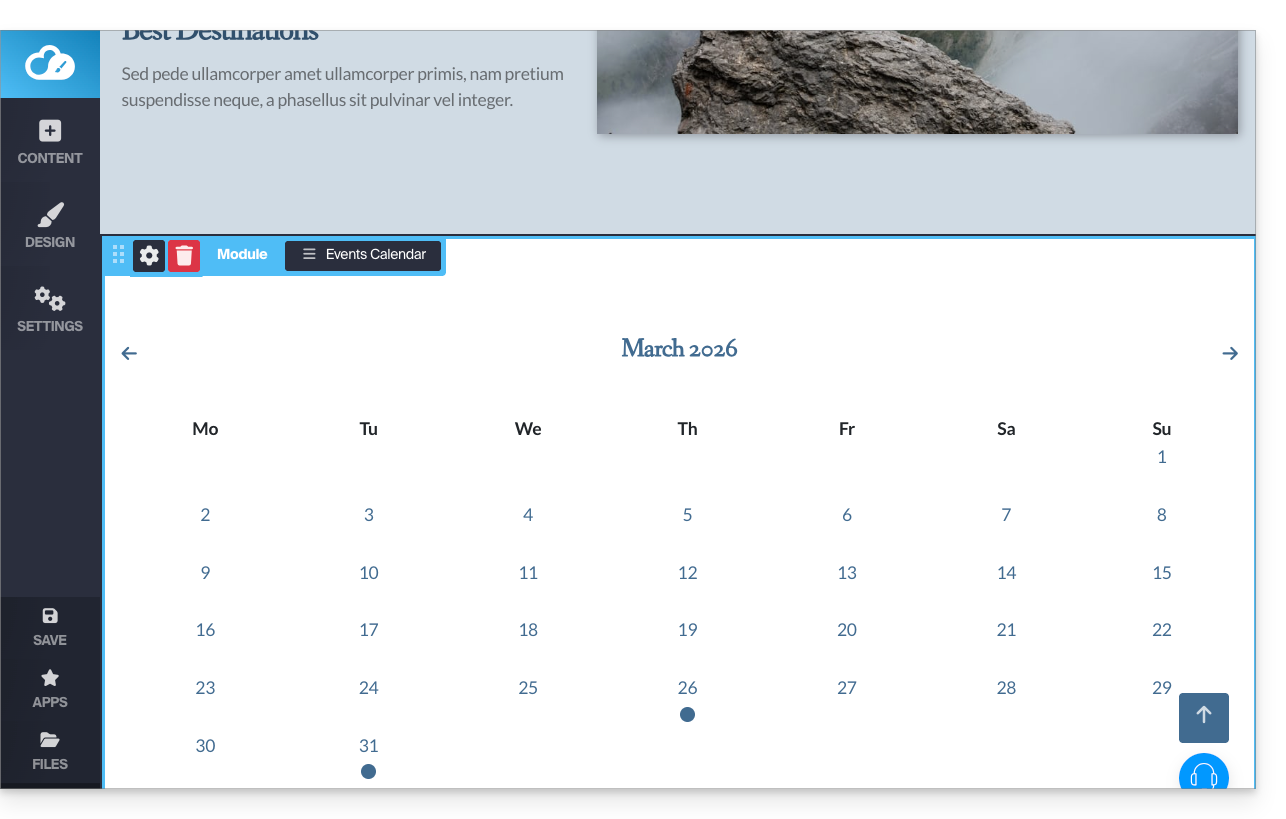
Módulo Calendly
✘ INDISPONÍVEL com
Site Creator Grátis / Lite
Esta integração é possível desde que você tenha uma conta no serviço externo Calendly.
No Site Creator:
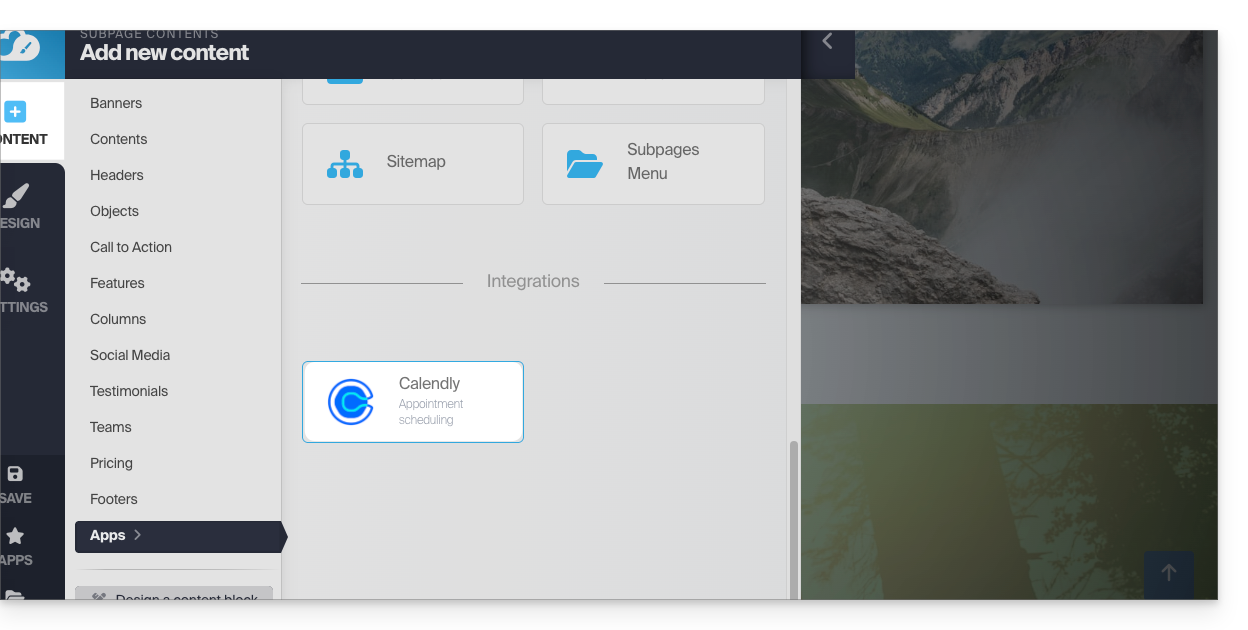
- Clique no botão Conteúdo no menu lateral esquerdo.
- Clique em Apps no menu lateral esquerdo.
- Clique em Calendly para inserir o módulo:
- Clique para configurar o aplicativo com as informações da sua conta Calendly:
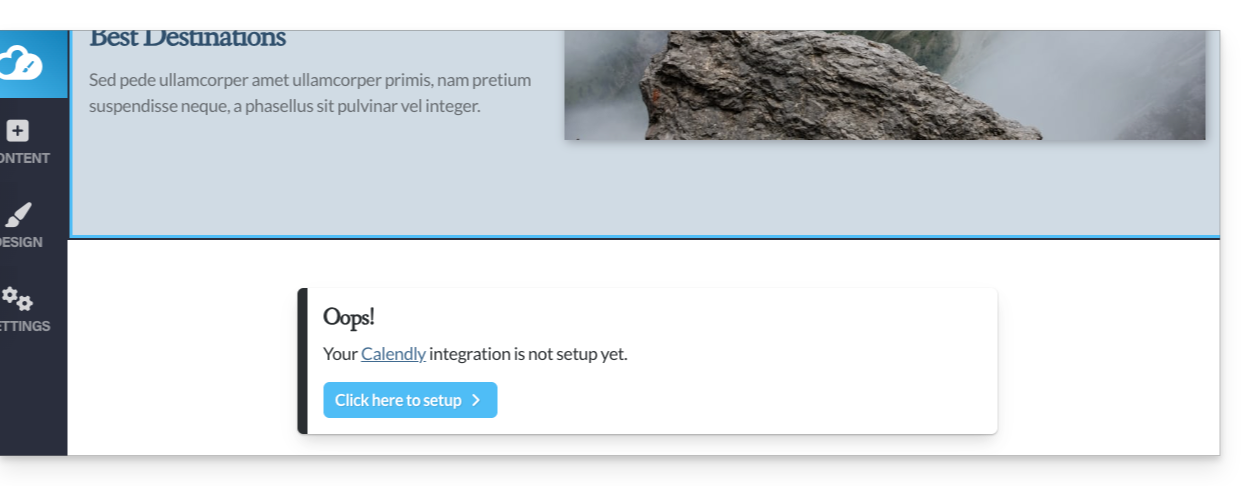
Em seguida, insira o módulo Calendly no local desejado do seu site para exibir suas informações do Calendly: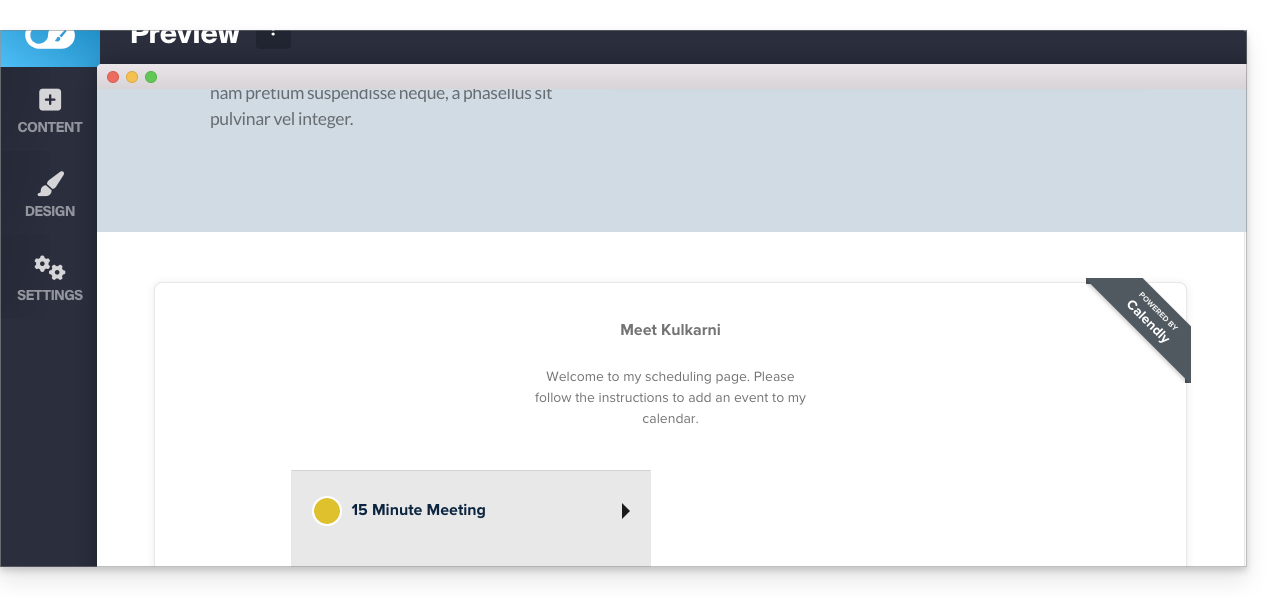
Link para esta FAQ: https://faq.infomaniak.com/2578
Esta seção de perguntas frequentes foi útil?