Base de conhecimento
1000 perguntas frequentes, 500 tutoriais e vídeos explicativos. Aqui, você encontra apenas soluções!
Use a Jelastic Cloud extension
This guide details the various Infomaniak extensions available in the Jelastic Cloud marketplace.
Introduction
- Read this Infomaniak article for more information.
Install an extension from the Marketplace
To do this:
- Log in to the Jelastic Cloud Dashboard of your server.
- Go to Marketplace.
- Search for and install the desired extension:
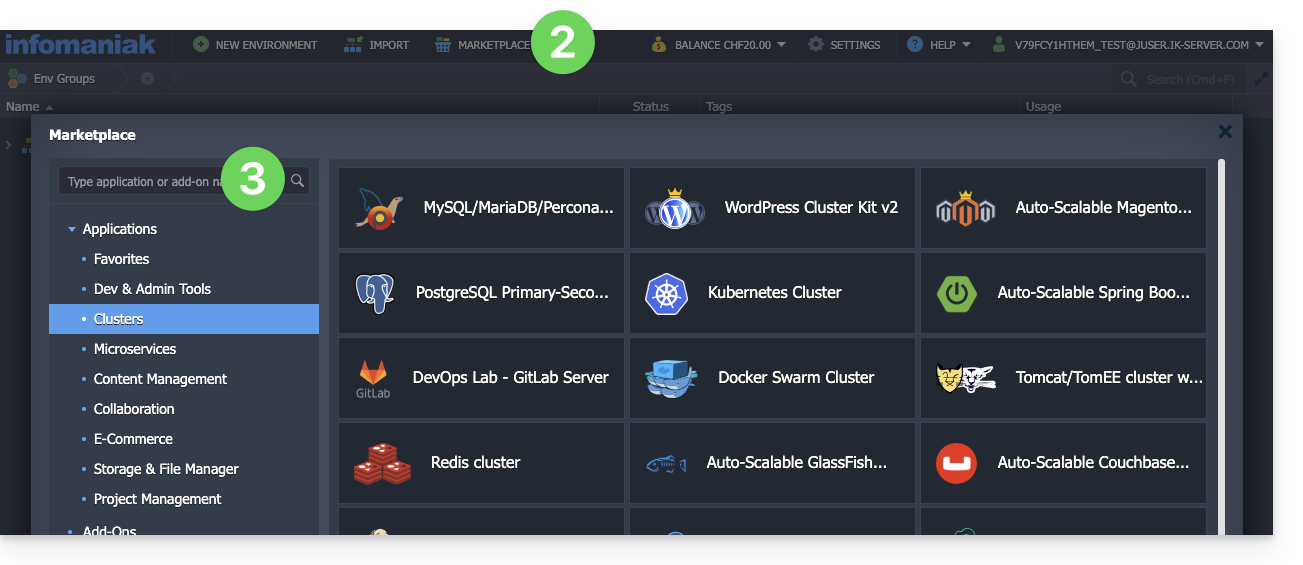
List of Jelastic Cloud extensions
- CPU Calculator simplifies the estimation of the processing power you need in vCPUs.
- BitNinja protects your chosen Jelastic Cloud environment from the most common threats with a single click.
- Swiss Backup automates the backup of the folders and environments of your choice. The plugin allows you to configure the frequency and retention policy for backups.
- ClamAV is an antivirus program for scanning the containers of your choice on demand. It is useful for checking for the presence of malicious code, mining software, or viruses.
- Grafana and Prometheus allow you to collect useful metrics from your containers and visualize them in modern dashboards within Grafana.
- Zabbix Server simplifies the deployment of a fully customizable alerting system.
- SSH Direct Access facilitates access to your containers without going through Jelastic's public gateway. Ideal for having backup access to your servers.
Link para esta FAQ: https://faq.infomaniak.com/174
Esta seção de perguntas frequentes foi útil?