Base de conhecimento
1000 perguntas frequentes, 500 tutoriais e vídeos explicativos. Aqui, você encontra apenas soluções!
Solicitar acesso a um endereço de e-mail Infomaniak
Este guia explica os passos necessários para que você, como funcionário, colaborador, membro da família ou em qualquer outra situação, possa acessar um endereço de e-mail criado na Infomaniak por outra pessoa.
Solicitar acesso como usuário do endereço de e-mail
Pré-requisitos
- Se já tiver uma conta Infomaniak, verifique se o endereço de e-mail está realmente inacessível para o seu utilizador neste momento.
- Anote o seu identificador de login: clique no canto superior direito nas suas iniciais/avatar:
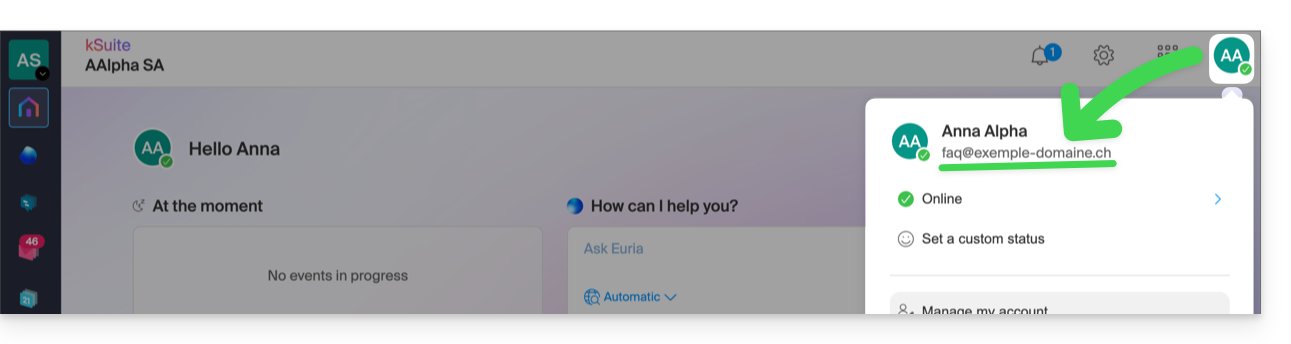
Em seguida, entre em contato com o administrador do endereço de e-mail em questão (demo@primary-domain.ch neste exemplo):
- Peça-lhe para seguir as instruções fornecidas neste outro guia faq.infomaniak.com/1478, a fim de adicionar o seu identificador de acesso como utilizador do endereço “
demo” no Serviço de Email “primary-domain.ch”. - Indique-lhe o seu identificador de acesso, por exemplo, aqui:
faq@exemple-domaine.ch.
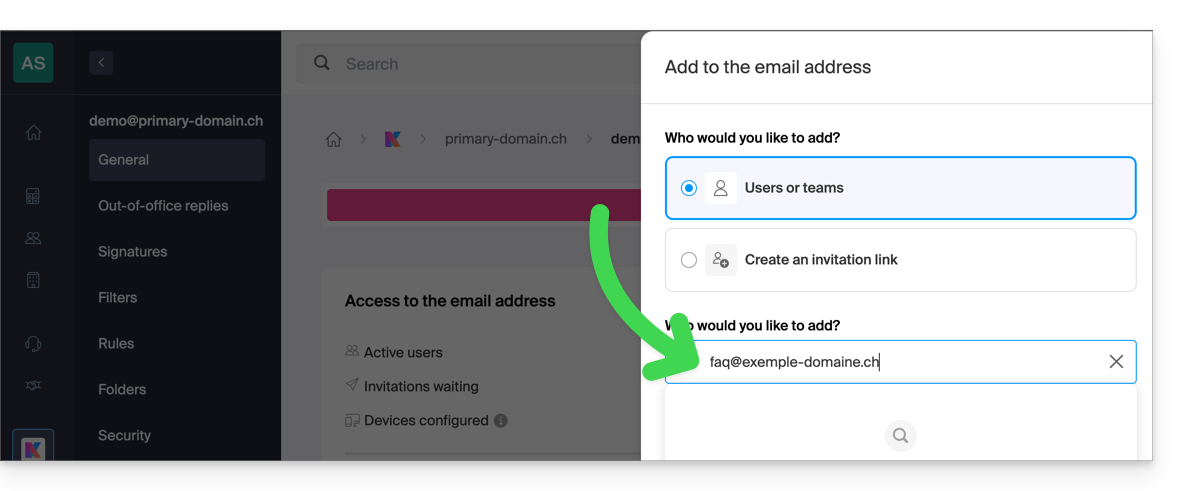
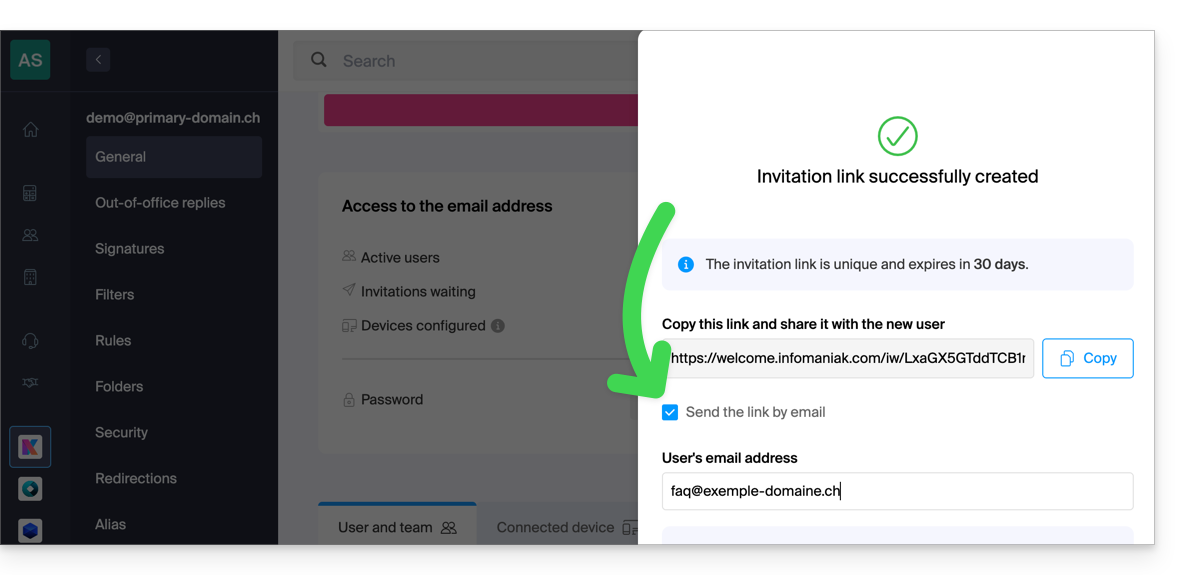
Dessa forma, seguindo o guia, ele poderá adicionar seu identificador de login no ponto 6, como usuário do endereço de e-mail:
- diretamente, porque você já faz parte da mesma Organização que ele:
- seja através de um sistema de link de convite, que ele poderá enviar por mensagem, e-mail, por exemplo:
Após a conclusão da operação, você verá o conteúdo da caixa de e-mail correspondente exibido na sua interface em ksuite.infomaniak.com/all/mail: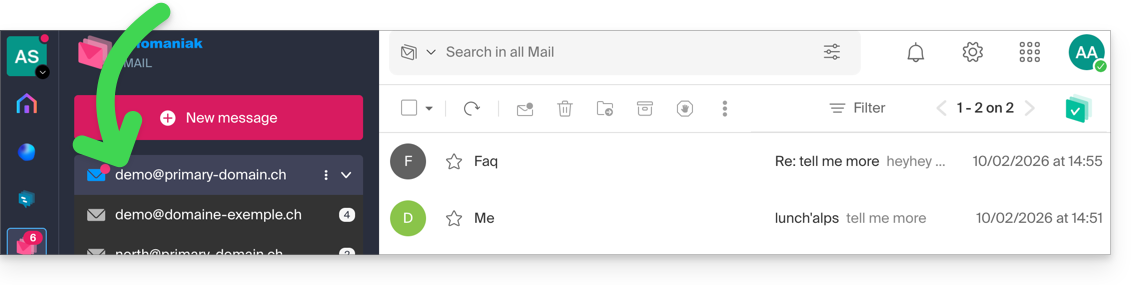
* Você também pode pedir para que ele consulte este outro guia para realizar a operação diretamente no aplicativo Web Mail da Infomaniak.
Link para esta FAQ: https://faq.infomaniak.com/122
Esta seção de perguntas frequentes foi útil?