Kennisbank
1.000 veelgestelde vragen, 500 tutorials en uitlegvideo's. Hier vind je alleen maar oplossingen!
Manage the name and details of your Site Creator website
This guide explains how to modify certain details of a website created with Infomaniak's Site Creator.
Change the website name
Start by logging in to the Infomaniak Manager with your credentials (user account with the necessary permissions for the relevant product):
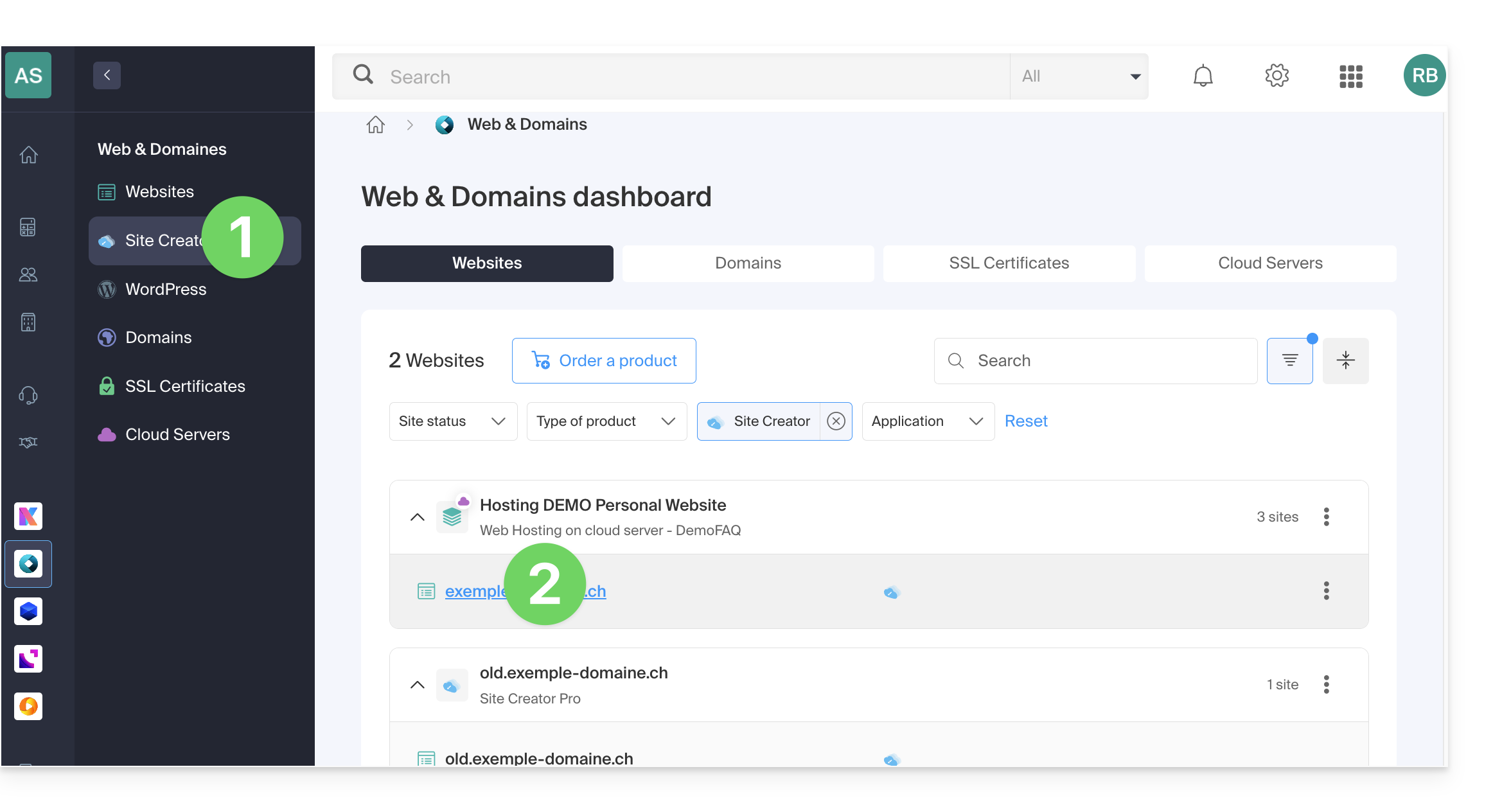
- Click here to access the hosting & site management interface (filtered to display only Site Creator).
- If nothing is displayed, you may not be in the Organization to which your site is linked (❓: help).
- Click on the name of the Site Creator in question:
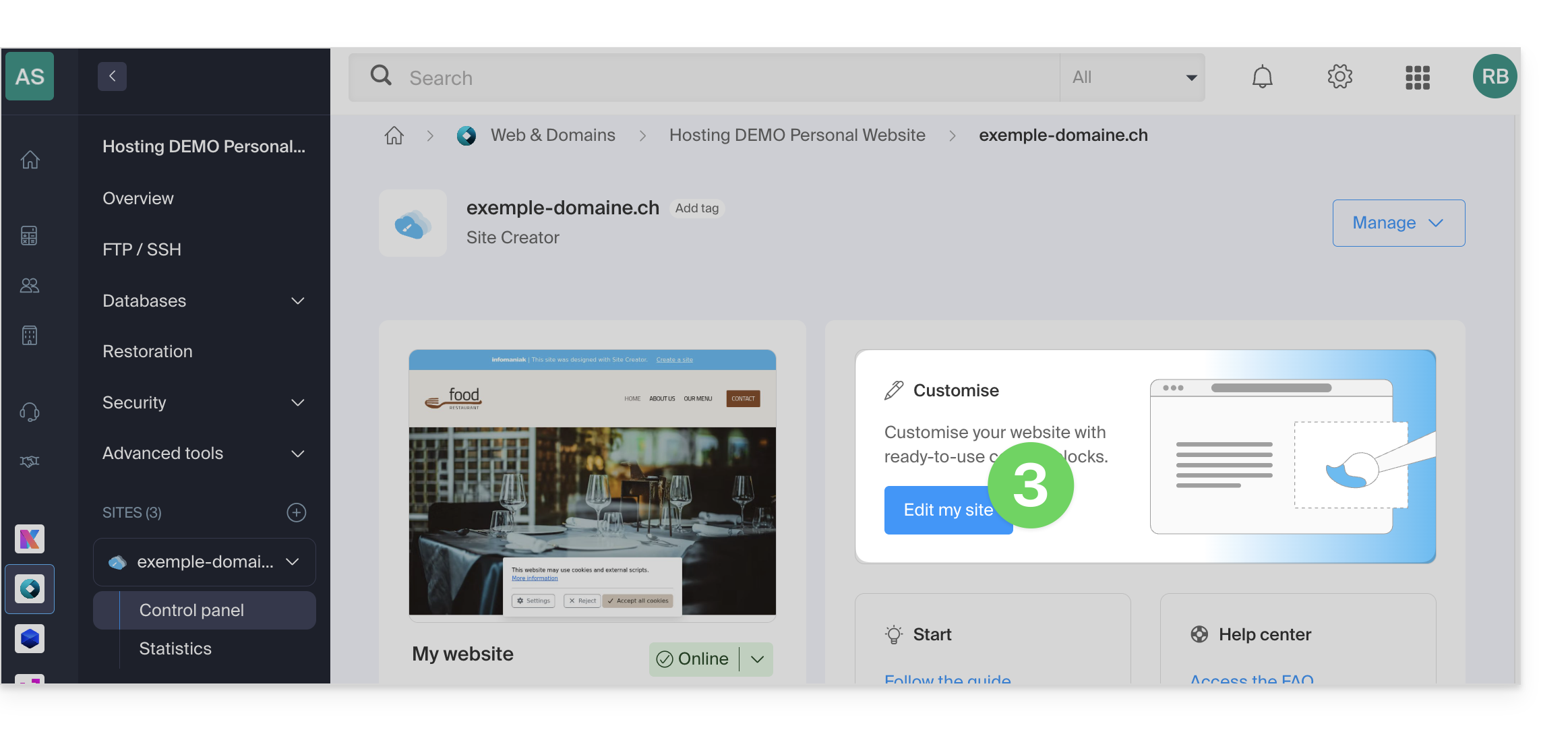
- Click on the button to edit your site:
Once in Site Creator, click on the Settings button in the left sidebar, then on Site Title: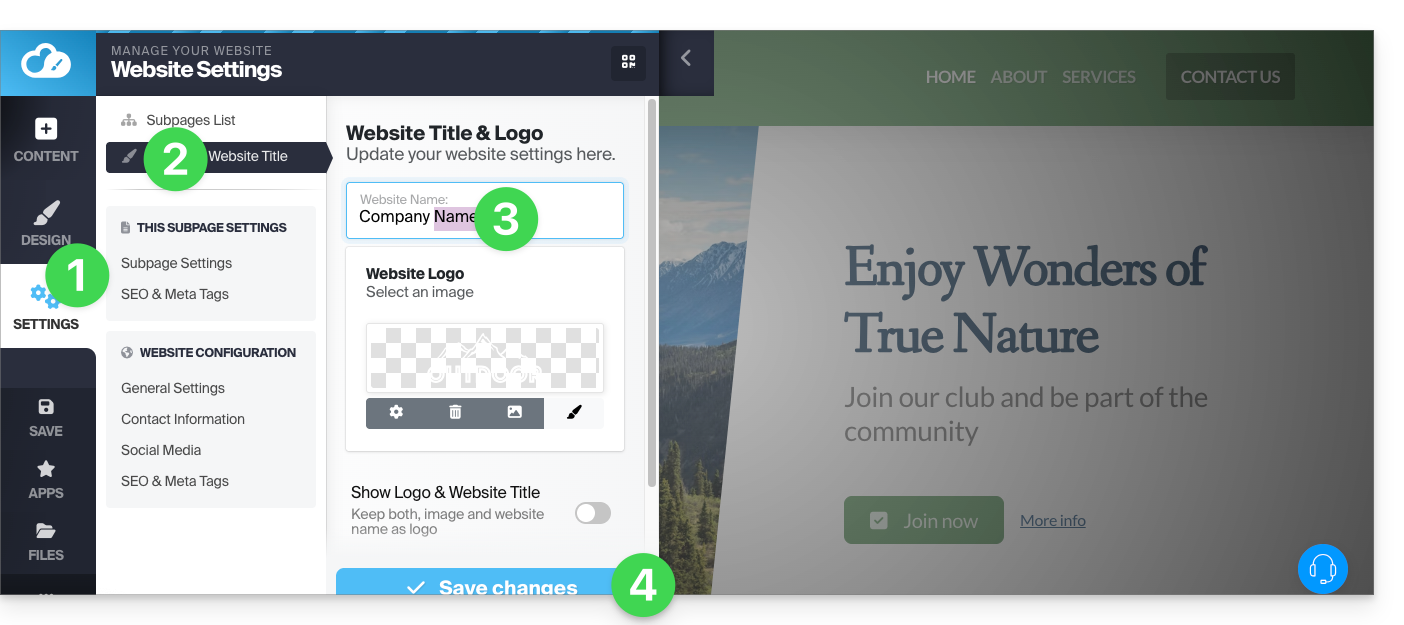
Company Information
Click on the Settings button in the left sidebar, then on Contact Information under Website Configuration: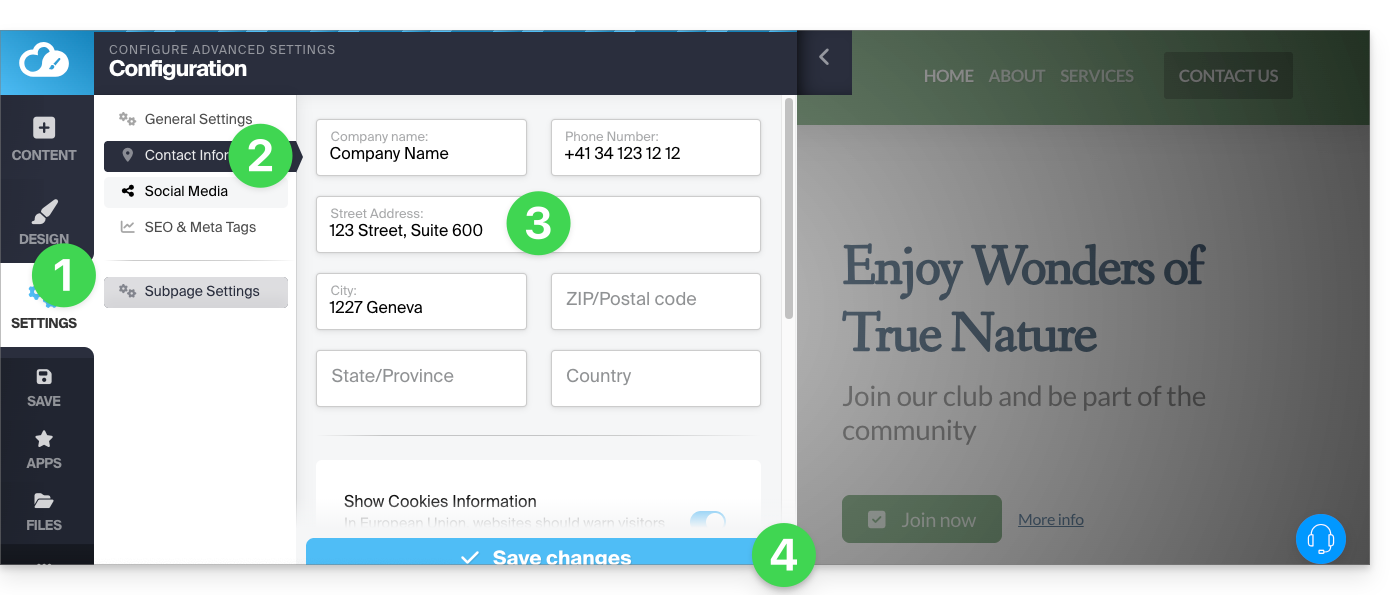
Link naar deze veelgestelde vragen: https://faq.infomaniak.com/2721
Is deze veelgestelde vragenlijst nuttig geweest?