Kennisbank
1.000 veelgestelde vragen, 500 tutorials en uitlegvideo's. Hier vind je alleen maar oplossingen!
Set your presence status in kSuite
Bijwerken 02-11-2026
This guide concerns kSuite and the possibility for users to define a status and manage the display of their presence or absence.
Introduction
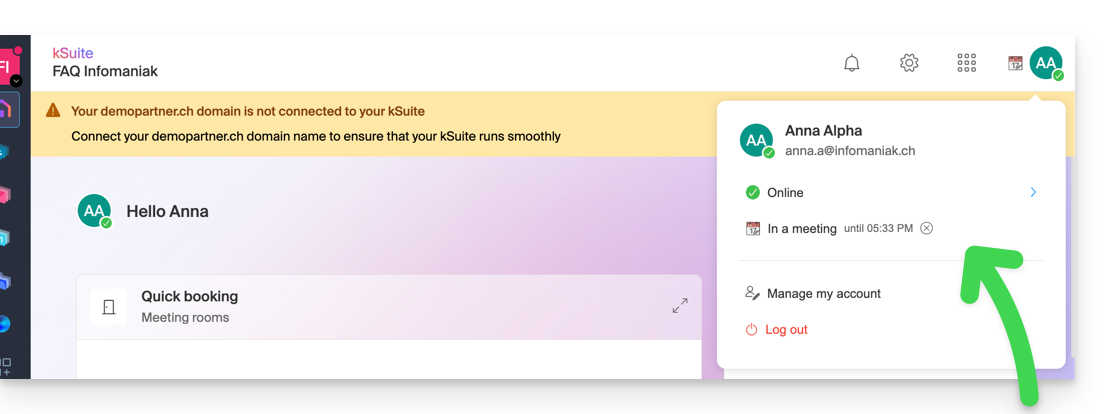
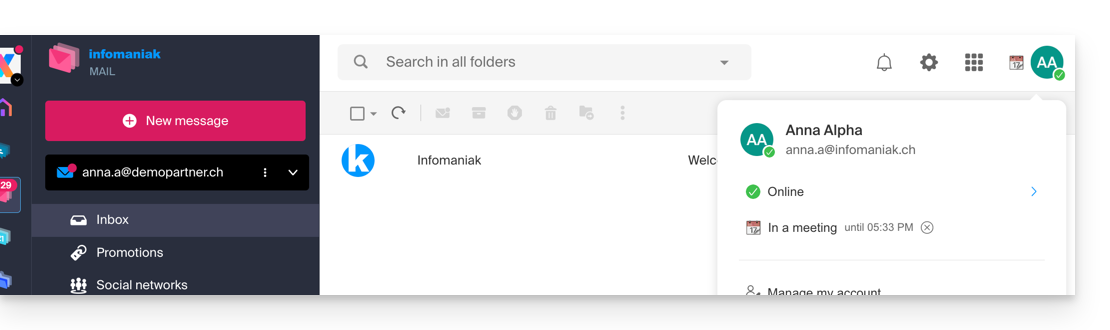
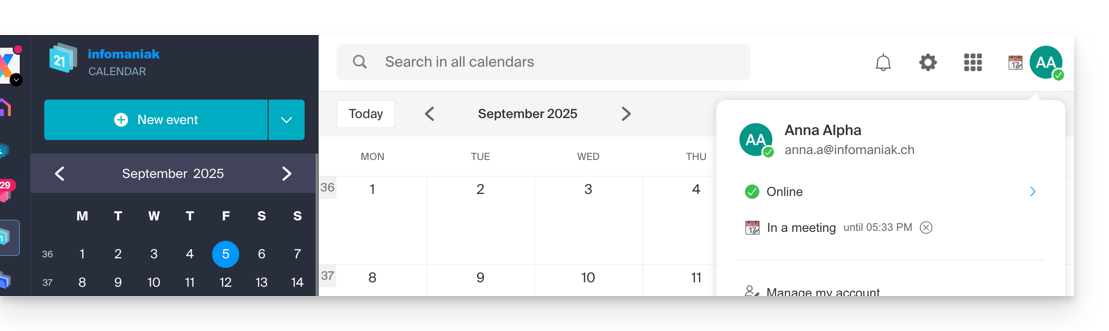
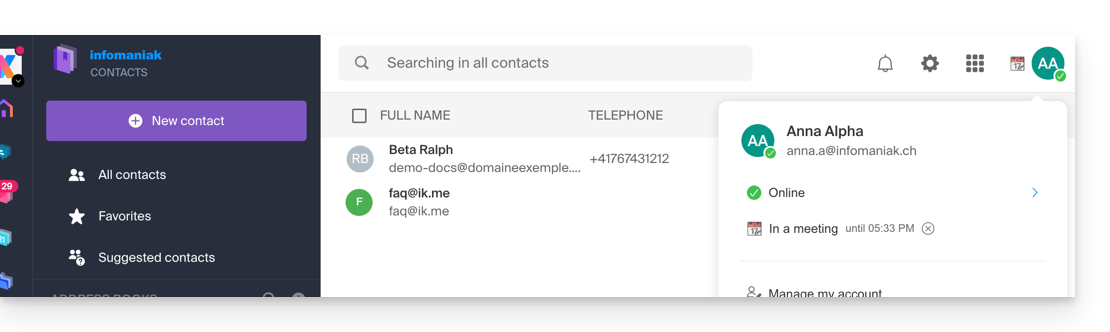
- Once defined, your custom status is visible to users within the Organization on various pages related to kSuite:
- Home page ksuite.infomaniak.com
- Mail
- Calendar
- Contacts
- kDrive
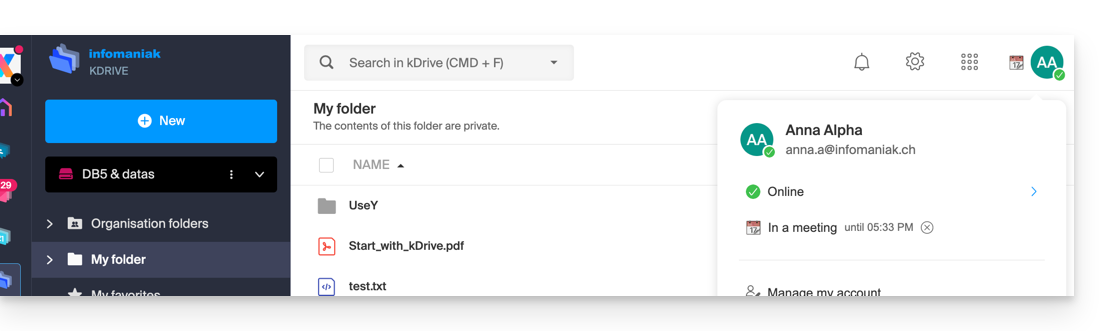
- Euria
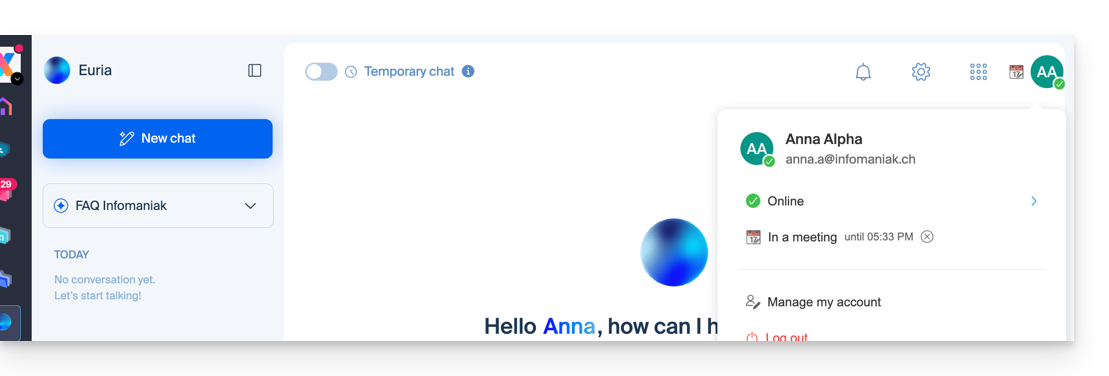
- Chk
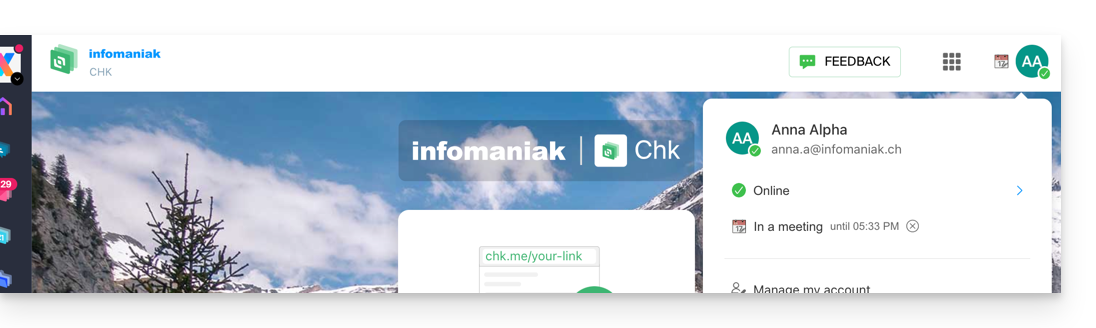
- kPaste
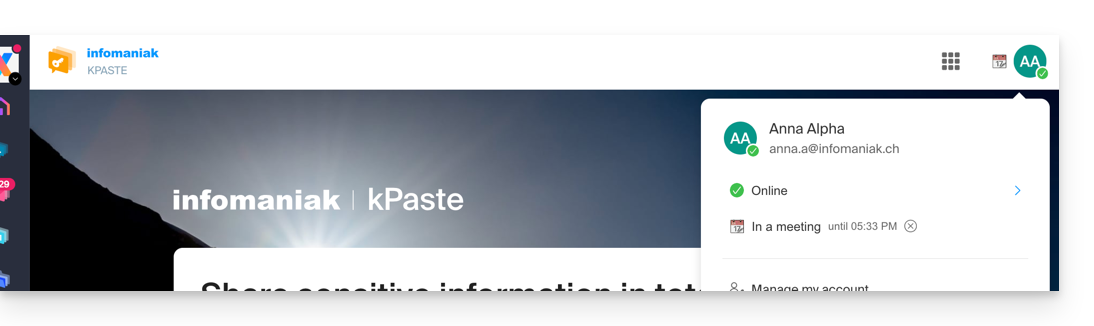
- kMeet
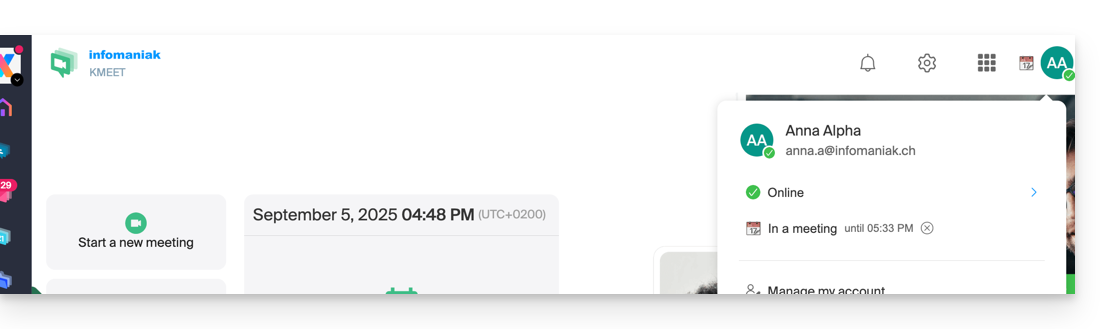
- Home page ksuite.infomaniak.com
- A presence status different from the default status, such as "Do not disturb," may affect the notifications of certain services (❓: help).
Update the kSuite profile status
To do this:
- Click here to access kSuite.
- If nothing appears after logging in, you may not be in the Organization to which your kSuite is linked (❓: help).
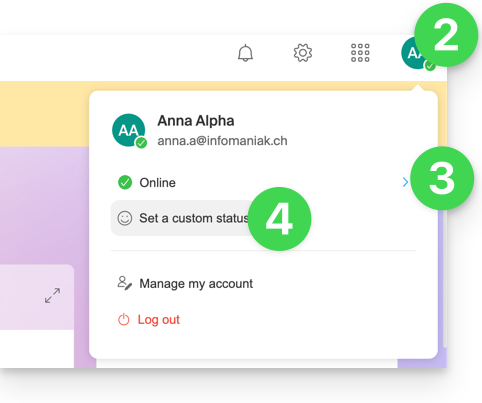
- Click on the badge with your initials/avatar in the top right corner.
- Click on Online to choose a different status if needed (away or do not disturb)…
- … or click on Set a custom status to enter a custom status or choose one from the suggestions:
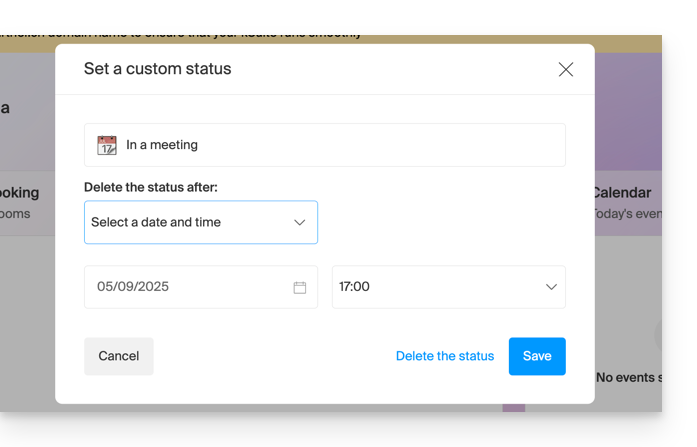
- Specify an expiration date if necessary and save:
Link naar deze veelgestelde vragen: https://faq.infomaniak.com/1712
Is deze veelgestelde vragenlijst nuttig geweest?