Base de conhecimento
1000 perguntas frequentes, 500 tutoriais e vídeos explicativos. Aqui, você encontra apenas soluções!
Include the original text when replying on the Infomaniak Mail web app
This guide explains how to enable or disable the inclusion of the original message when replying to an email from the Infomaniak Web app Mail (online service ksuite.infomaniak.com/mail) for web browser.
No longer quote the original message
By default, the text of the message you are replying to will be placed below your own reply text (A):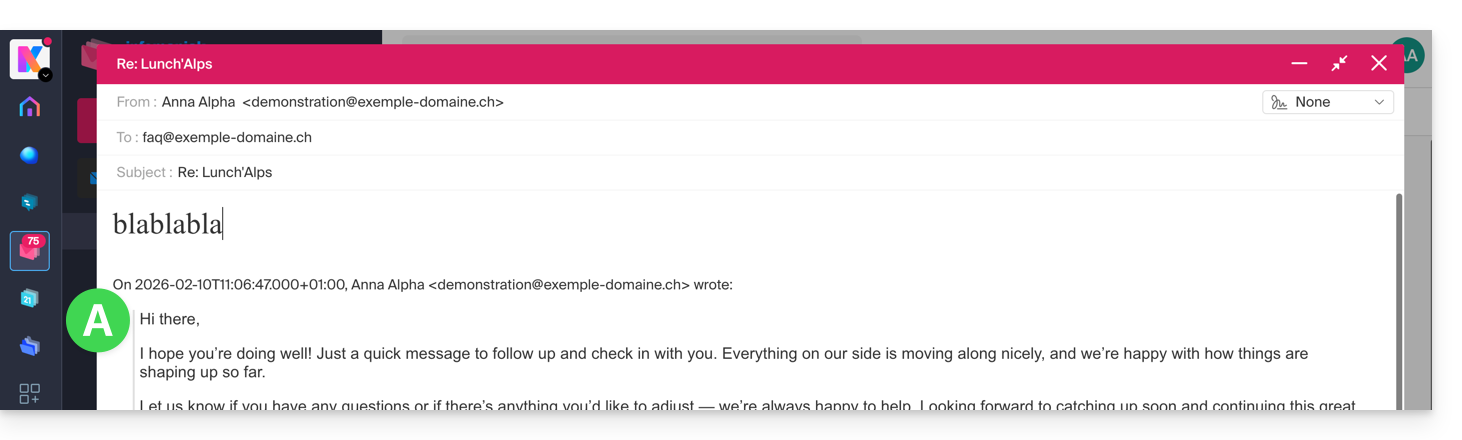
By following the guide below, nothing will be quoted from the original message and you will reply from a blank base with or without signature (B):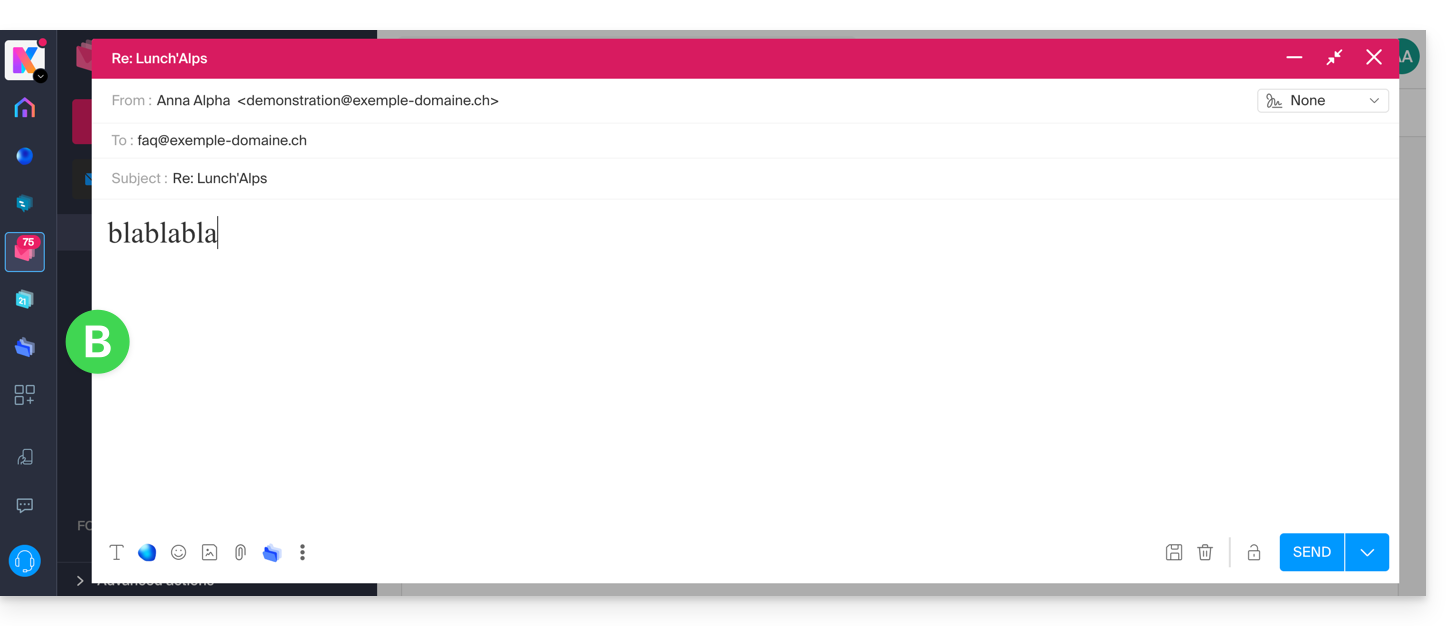
To never quote the original message when replying to a correspondent:
- Click here to access the Infomaniak Web app Mail (online service ksuite.infomaniak.com/mail).
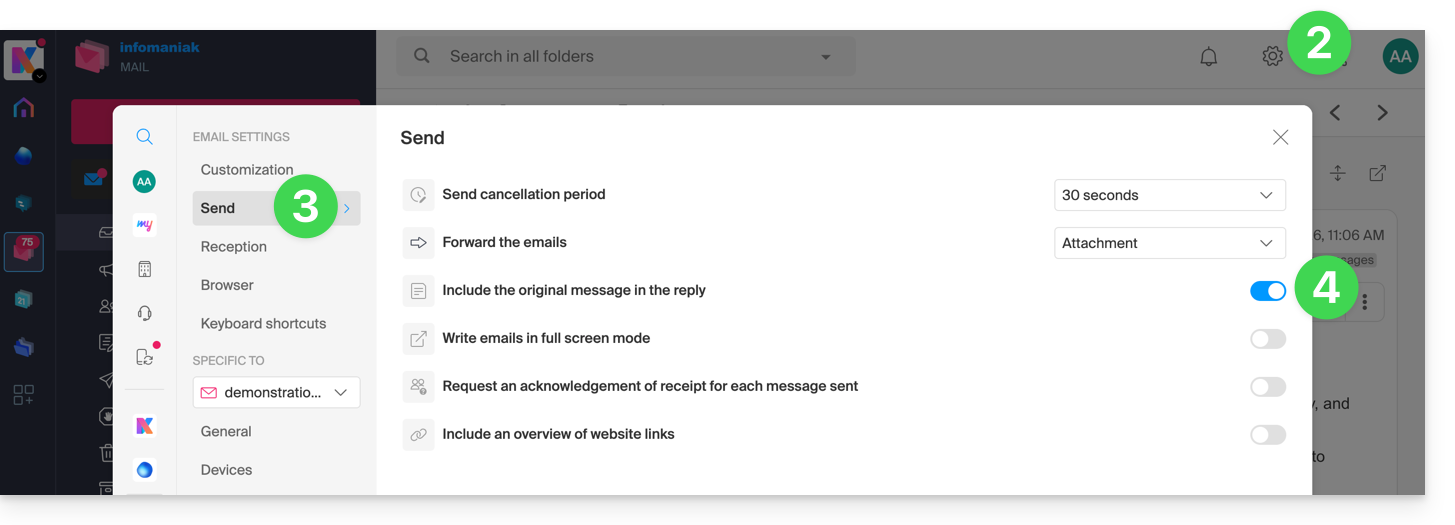
- Click on the Settings icon at the top right.
- Click on Sending in the left sidebar.
- Disable the toggle switch to the right of the "Include the original message in the reply" element:
Link para esta FAQ: https://faq.infomaniak.com/1199
Esta seção de perguntas frequentes foi útil?