Base de conhecimento
1000 perguntas frequentes, 500 tutoriais e vídeos explicativos. Aqui, você encontra apenas soluções!
Remove an account from the kAuth mobile app
This guide explains how to remove an Infomaniak account configured in the Infomaniak mobile app kAuth (app for iOS/Android smartphone or tablet).
Remove an account from the kAuth mobile app
To delete one of the accounts, you must use a web browser, preferably on a computer:
- Click here to access the management of two-factor authentication on the Infomaniak Manager.
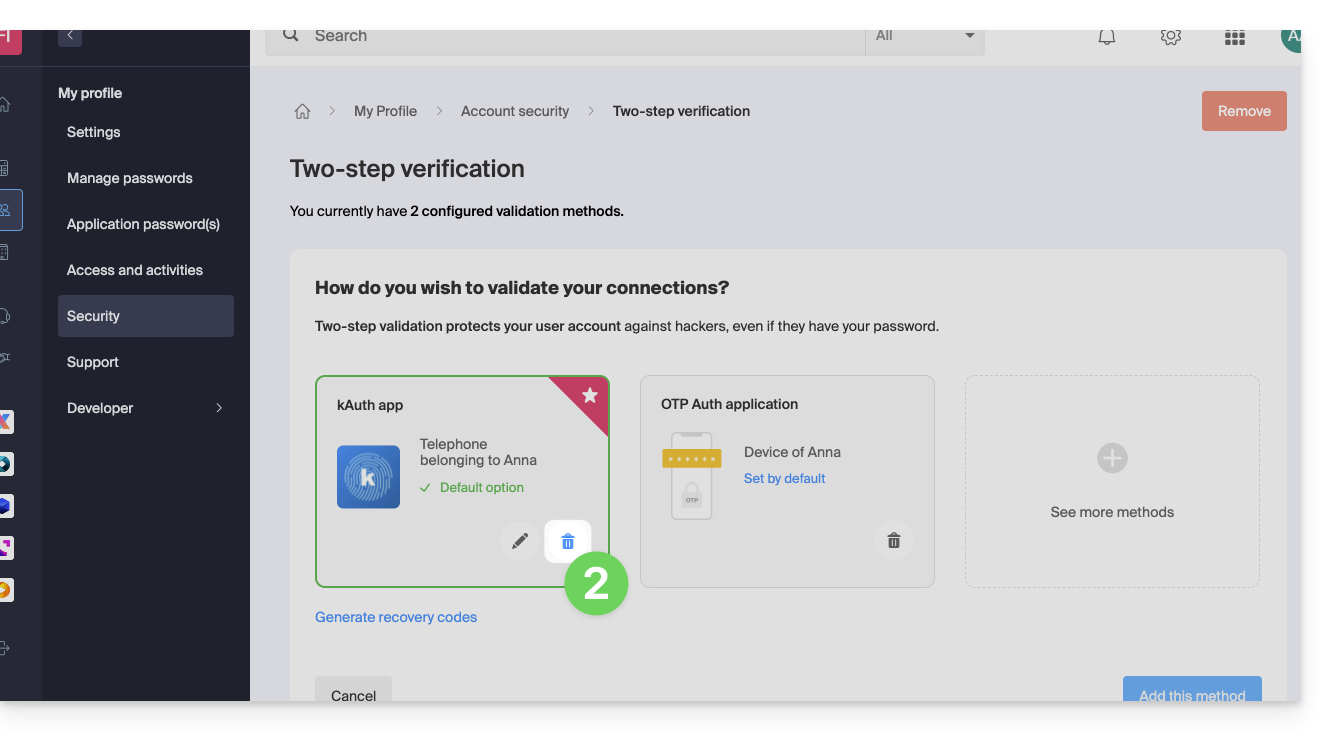
- Click on the trash can of the box corresponding to the Infomaniak kAuth application:
- Enter the password to log in to the Infomaniak account.
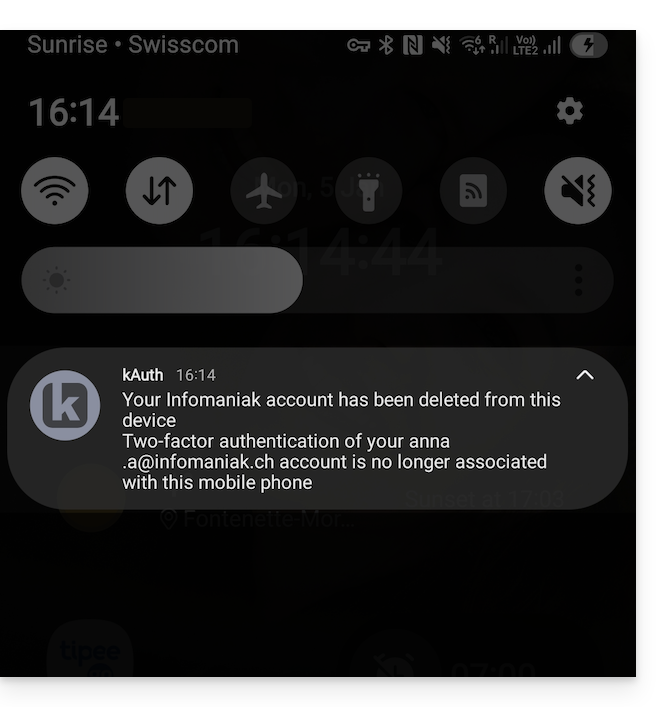
- A kAuth notification is sent to the mobile device on which the app is installed:
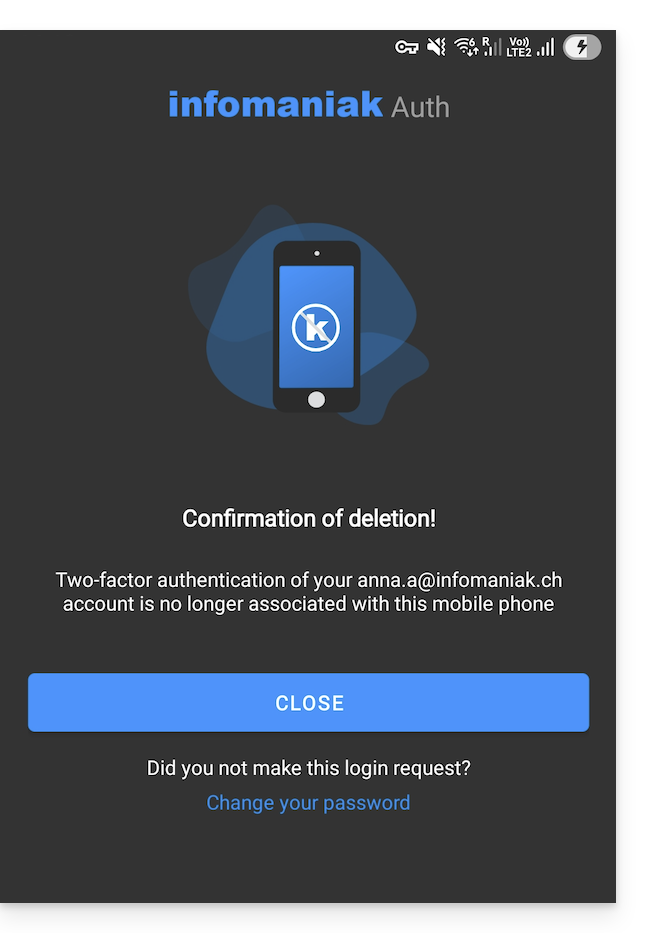
- The message is also displayed to the user within the kAuth app directly:
Warning: if no other method is configured to secure your account access (SMS for example), the two-factor authentication system is therefore deactivated; it is strongly recommended to re-secure your account with two-factor authentication!
Link para esta FAQ: https://faq.infomaniak.com/2361
Esta seção de perguntas frequentes foi útil?