Base de conhecimento
1000 perguntas frequentes, 500 tutoriais e vídeos explicativos. Aqui, você encontra apenas soluções!
Back up iOS with Acronis on Swiss Backup
Atualização 28/04/2026
This guide details how to back up an Apple iOS device (iPhone, iPad, etc.) using Acronis on Swiss Backup, the independent Swiss cloud backup solution.
Preamble
- What you can back up:
- Contacts & Calendars
- Photos (the original size and format of your photos are preserved)
- Videos
- It is also possible to back up other types of data.
- If necessary, local partners referenced by Infomaniak can handle these procedures: launch a free call for tenders; they handle everything, freeing you from technical details.
Configure the backup
Prerequisites
- Have a Swiss Backup Infomaniak space with available device quota (minimum 1) for Mobile:
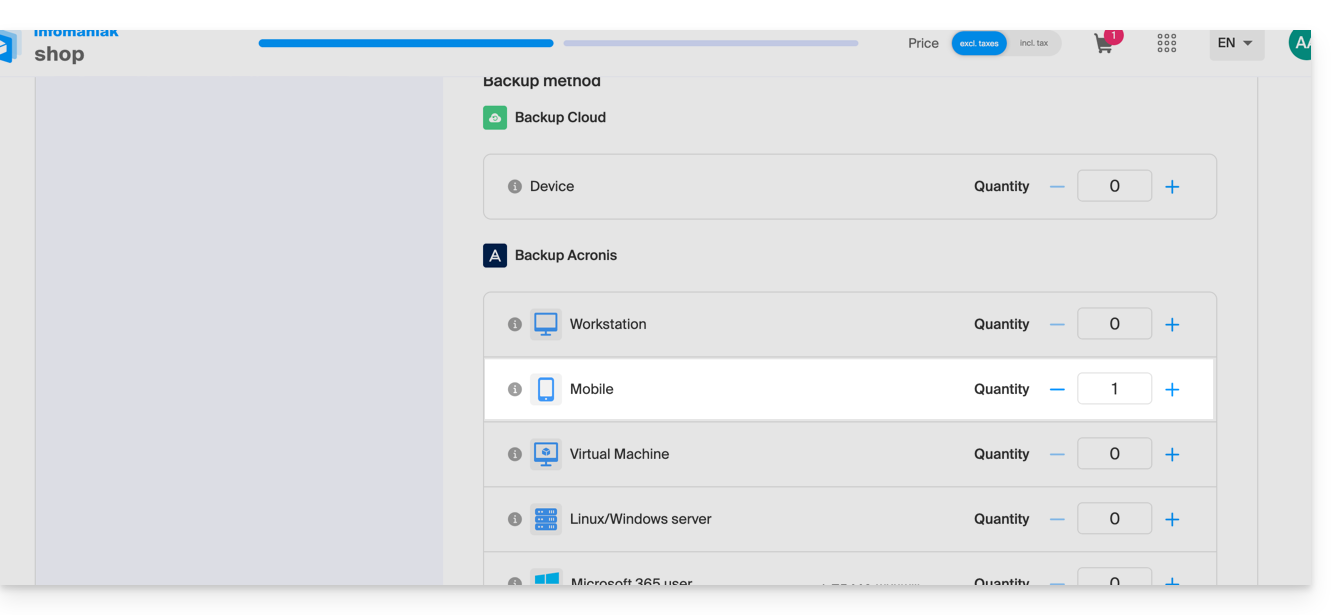
- If necessary, increase the device quota according to your needs.
- Add the device to the Infomaniak Manager to receive the login credentials.
- Review the Acronis documentation on this subject.
To configure mobile backup on Android with Acronis:
- Download and install the Acronis Cyber Protect app (not Acronis Mobile) from the App Store.
- Open the app by logging in to the Acronis Agent with the credentials obtained after adding the device (need help?).
- Click on Back Up and select the data to back up.
- Click on Confirm to start the data backup.
Link para esta FAQ: https://faq.infomaniak.com/2295
Esta seção de perguntas frequentes foi útil?